Key Takeaways
- The framework has six steps: scope, capture, land raw, standardize, serve and monitor.
- A raw layer that stays unchanged lets you rebuild after a bug or a rule change.
- A signed mapping sheet and one definition per metric end most disputes over numbers.
- Checks need a named owner and a runbook, or alerts get ignored.
A data integration framework is the repeatable model you apply every time you connect two systems. It names the layers data passes through, the checks at each handoff and who owns what. Without one, every project invents its own approach, and you end up maintaining ten styles of integration. In data integration consulting work, I use the same six-step blueprint for most clients, and I adjust the details to the stack.
This page explains the model, shows how the layers fit together, gives you a worked example and ends with a checklist. The model sits under your plan, so if you have not set priorities yet, read my data integration strategy playbook first.
The Six Steps of the Framework at a Glance
| Step | What happens | Output you keep |
|---|---|---|
| 1. Scope the flow | Name the business question, the sources and the freshness target | One-page flow brief |
| 2. Connect and capture | Pull data from the source with the right method | Working connector with credentials stored safely |
| 3. Land it raw | Store the data unchanged in a raw layer | Replayable raw tables |
| 4. Standardize and map | Apply agreed field mappings, types and keys | Clean, consistent tables |
| 5. Combine and serve | Join systems into shared models and expose them | Tables and views for reports and apps |
| 6. Monitor and own | Test, alert, document and review | Checks, runbook and named owner |
Step 1: Scope the Flow With a One-Page Brief
Every flow starts with a brief that fits on one page. It lists the business question, the source and target systems, the fields you need, the freshness target, the owner on each side and the check that tells you the flow is healthy. Briefs are short on purpose. Their job is to get two system owners to agree before anyone writes code.
The freshness target matters most. A report that can be a day old should not drive a streaming build. If you are unsure which pattern fits, my data integration best practices guide explains how to choose between batch, event-driven and API flows.
Step 2: Connect and Capture the Data
Pick the capture method that suits the source. Maintained connectors suit popular SaaS tools. Change data capture suits large databases where you need only what changed. File drops suit old systems that offer nothing else. APIs suit lookups and small, frequent updates.
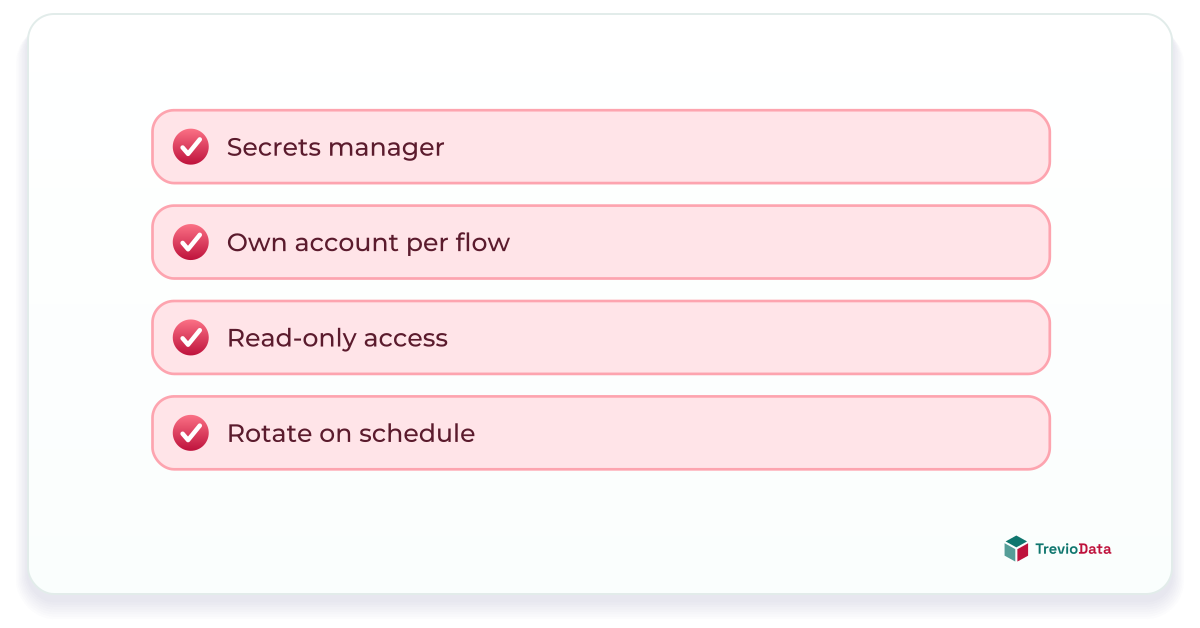
Store credentials in a secrets manager, give each flow its own least-privilege account and respect rate limits with back-off. Choosing tools is its own task, and my ranked data integration tools list compares twelve products that cover these methods.
| Capture method | Best for | Be careful with |
|---|---|---|
| Managed connector | Popular SaaS apps and databases | Row-based pricing on busy tables |
| Change data capture | Large transactional databases | Needs database permissions and log retention |
| API calls | Lookups and small updates | Rate limits and version changes |
| File drop | Legacy and partner systems | Late or malformed files |
| Webhook or event | Orders, payments, alerts | Missed events need replay |
Step 3: Land the Data Raw, Unchanged
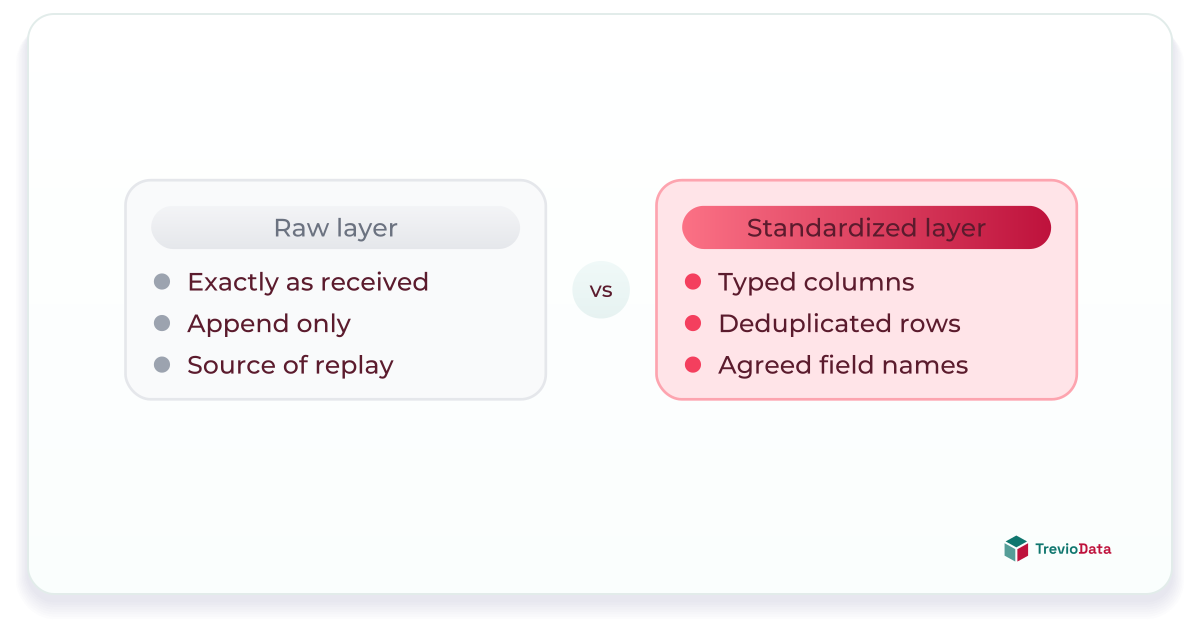
Write what you receive into a raw area exactly as it arrived, with a load timestamp and a source tag. Do not clean, rename or drop columns here. The raw layer gives you a record of what the source said at a given time, which resolves many disputes without a call to the vendor.
Make loads incremental and safe to rerun. Merge on a stable key or replace a whole partition, so a failed job can run again without creating duplicates. On a retail project, a supplier changed a date format and our parsing broke. Because the raw files were untouched, we fixed the rule and replayed three weeks of data in an afternoon.
Step 4: Standardize and Map the Fields
Here the agreed mapping sheet becomes code. Convert types, normalize dates and currencies, trim and standardize text, and assign the shared keys that let systems join. Each rule traces back to a line in the mapping sheet that both system owners signed.
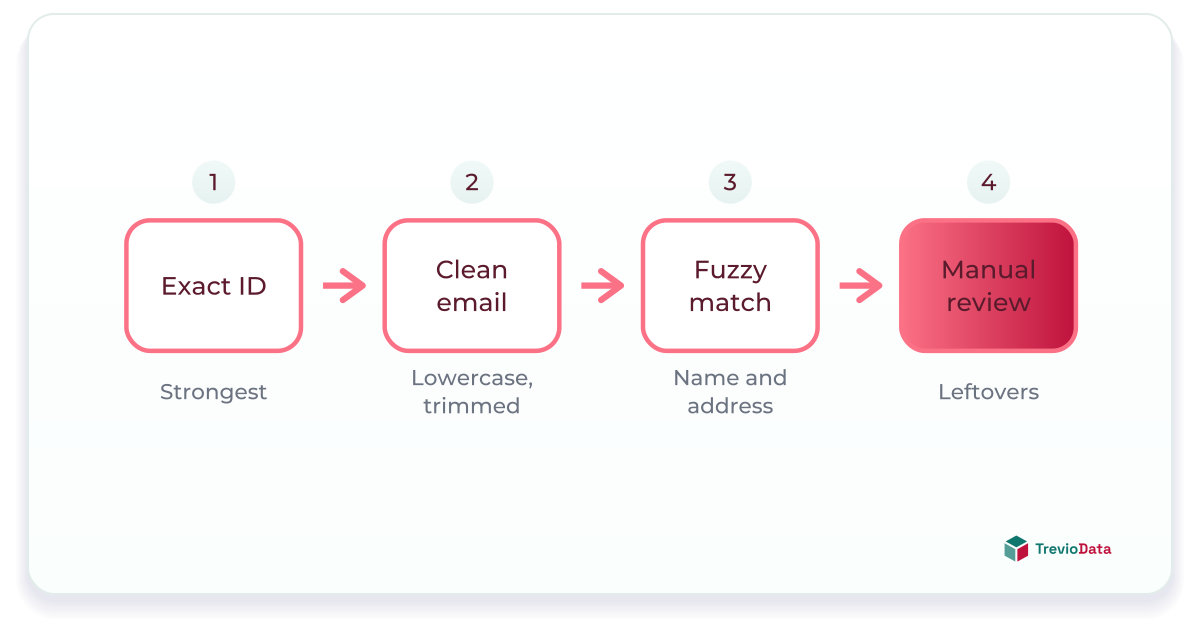
Matching records across systems is the hardest part. Exact keys such as an email address or a customer ID work for many cases, and fuzzy matching handles the rest with a human review queue for uncertain pairs. Many of the problems in my overview of data integration challenges come from skipping this step or doing it without owners.
Step 5: Combine Systems and Serve the Result
Now join the standardized tables into models that match how the business thinks: customers, orders, products, revenue. Define each metric once and let every report use that definition. Expose the result as tables or views for analysts and, where needed, as an API or a sync back to operational tools.
Not every flow ends in a warehouse. Some end in another application, for example a billing system that needs the latest customer address. The framework is the same, and only the serving step changes. If your destination is a warehouse and you need a design for it, a data warehouse project covers it.
Step 6: Monitor, Document and Assign Ownership
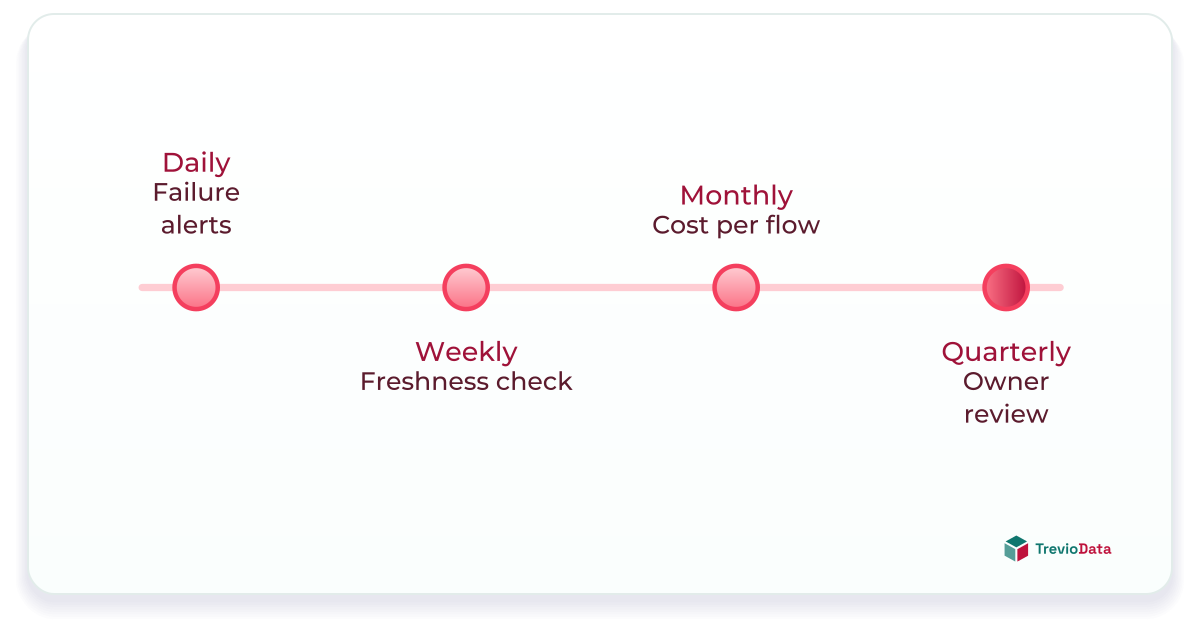
Add checks for freshness, row counts, duplicate keys and accepted values. Alert a named person, not a shared channel, and link each alert to a short runbook that says what likely broke and how to fix it. Record the flow in your inventory with the brief, the owner and the cost.
Review a few numbers monthly: failed runs, data freshness, cost per flow and hours of manual work removed. For real-world results, look at the seven stories in my data integration examples.
Common Mistakes When Applying the Framework
The first mistake is skipping the brief. Teams jump to a tool, connect two systems and discover in testing that the owners meant different things. The second is cleaning data in the raw layer, which removes your ability to rebuild. The third is putting business rules inside the loader, where nobody can see or review them. Keep rules in the standardize and model steps, in code that goes through review.
A fourth mistake is trying to adopt the whole model on every flow at once. Start with one flow, finish all six steps and write down what you would change. Then repeat on the next flow with the improved template. Your own examples will teach you more than any diagram.
When you decide between building and buying a step, put a yearly maintenance cost next to the build cost. A step you write yourself is a step you keep running, and the hours add up faster than most teams expect. I also suggest that you write down which tool owns each layer, so two products do not quietly do the same job.
Where Tools Fit in the Framework
The framework is tool-neutral, and that is a feature. A managed loader covers steps 2 and 3. A warehouse holds steps 3 to 5. A modeling tool and a testing layer cover steps 4 to 6. An integration platform replaces steps 2 to 5 for application-to-application flows. When you compare vendors, ask which steps each one covers and which it leaves to you.
| Tool type | Steps it usually covers | What you still need |
|---|---|---|
| Managed ELT loader | 2 and 3 | Modeling, checks and ownership |
| Cloud warehouse | 3, 4 and 5 | A loader and a scheduler |
| Modeling and testing tool | 4, 5 and 6 | Raw data already landed |
| iPaaS platform | 2 to 5 for app flows | Monitoring standards and mapping sheets |
A Worked Example: Connecting a CRM and a Billing System
A software company wants one view of customers and revenue. The brief names two sources, a CRM and a billing system, a daily freshness target and a finance owner. A managed connector pulls both nightly. Raw tables keep the data as received.
The mapping sheet matches customers on billing email and falls back to a company domain, with unmatched records sent to a review list. Standardized tables convert currencies and dates. A customer model joins the two, and the revenue definition lives in one place. Checks watch for a fall in row counts and for customers without a billing record. The flow is documented with a finance lead as owner on that side, and the monthly review tracks failures and cost. The first version takes weeks, and each later flow reuses the pattern.
| Layer | Content in this example | Check |
|---|---|---|
| Raw | CRM accounts and billing invoices as received | Loaded within 24 hours |
| Standardized | Dates, currencies and emails cleaned | No null keys |
| Model | Customer and revenue tables | Every paying customer has a CRM account |
| Serve | Finance dashboard and a sync to the CRM | Totals match billing |
A Framework Checklist You Can Reuse
- The flow has a one-page brief with a freshness target and two named owners.
- Credentials live in a secrets manager, with one account per flow.
- Raw data is stored unchanged and loads are safe to rerun.
- A signed mapping sheet backs every transformation rule.
- Metrics are defined once in the shared model.
- Checks and alerts reach a named person with a runbook.
- The flow is in the inventory, with its cost and review date.
How to Adapt the Framework to Your Size
A small team can run all six steps with a managed loader, a warehouse and a modeling tool, and keep the brief and inventory in a shared document. A larger organization adds a catalog, an approval step for mappings and a platform team that owns the standards. The steps stay the same, and the weight changes.
If you are unsure how much structure you need, count your flows and the number of teams that depend on them. Past thirty flows or three teams, written standards pay for themselves quickly.
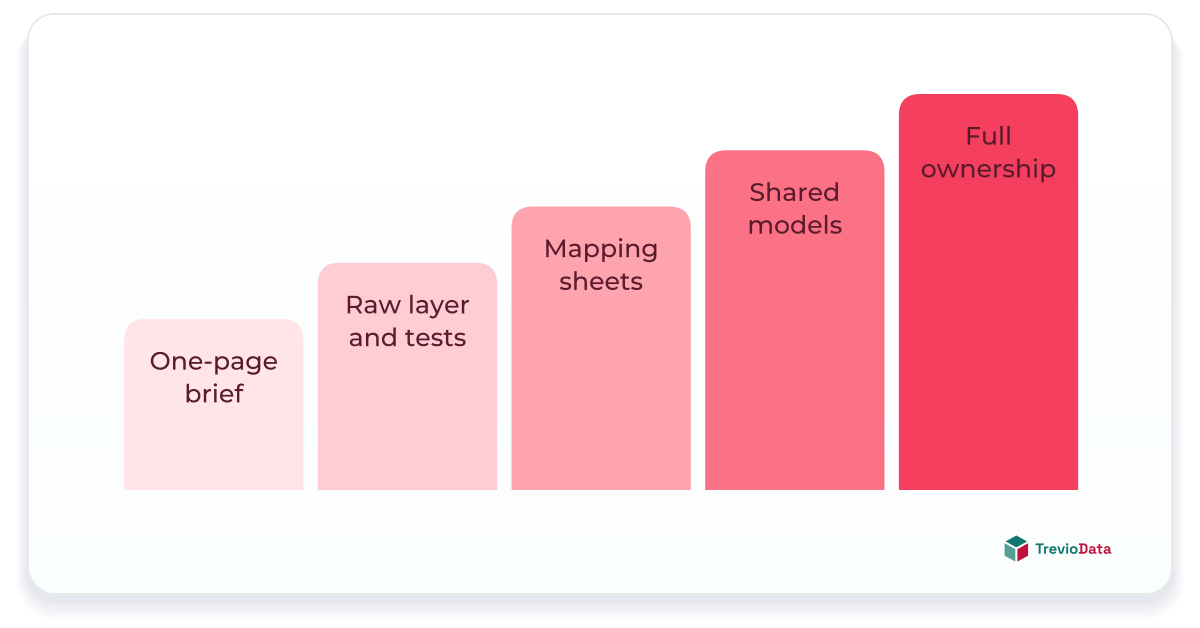
Questions About the Data Integration Framework
What Is a Data Integration Framework?
It is a repeatable model for connecting systems. It defines the layers data passes through, the checks at each handoff and who owns each flow, so every project follows the same approach.
How Is a Framework Different from a Strategy?
A strategy decides which flows to build first and why. A framework decides how each flow is built. You need both, and the strategy comes first.
Do I Need a Raw Layer for Every Integration?
For anything you may need to rebuild or audit, yes. It costs little storage and saves hours when a rule changes. For a trivial flow that you could re-pull at any time, it may be optional.
How Do I Match Records Across Systems?
Use exact keys such as email or customer ID where they exist, fuzzy matching for the rest and a review queue for uncertain pairs. Log every match rule in the mapping sheet.
Which Tools Fit This Framework?
A managed or open-source loader for capture, a cloud warehouse for the raw and standardized layers, a modeling tool for the shared models and an alerting tool. Application flows may use an iPaaS instead.
How Long Does It Take to Set Up the Framework?
A small team can adopt it for the first flow in a few weeks. Each later flow takes less time, because the pattern, checks and runbooks already exist.
Can a Consultant Implement the Framework for Me?
Yes. A consultant can build the first flows on this model, document the standards and train your team. You can start with a free discovery call.
Note: This article is general information, not legal, financial or tax advice. Figures and examples are estimates based on typical projects, so check current details with your providers and advisers before you decide.
Was this article helpful?
Thank you for letting us know.
Camille leads the Trevio editorial team and works with our consultants to turn real client projects into practical guides on data strategy, engineering and governance. Before joining Trevio, she spent 11 years in data engineering and analytics roles. She has since edited more than 300 articles on data management and reviewed pipelines and platforms from over 100 client projects. She is based in Denver, Colorado.