Key Takeaways
- Native tools from AWS, Azure and Google Cloud are free or nearly free, so start there when the target is decided.
- No tool does everything: pair a dependency mapper such as Faddom or Device42 with a replication tool.
- Zerto and OpenText Migrate suit moves that need minutes of downtime or mixed platforms.
- Prices and ratings change, and several vendors publish none, so confirm details before you buy.
The Best Data Center Migration Tools at a Glance
| Tool | Type | Best for |
|---|---|---|
| 1. AWS Application Migration Service | Agent-based rehosting to AWS | Moving physical and virtual servers into AWS with little downtime |
| 2. Azure Migrate | Discovery, assessment and migration hub for Azure | Planning and running moves of servers, databases and apps into Azure |
| 3. Google Migrate to Virtual Machines | Rehosting service for Google Cloud | Moving VMware, AWS and Azure VMs into Compute Engine |
| 4. VMware HCX | Live migration between VMware environments | Moving vSphere workloads between data centers or to VMware-based clouds |
| 5. Zerto | Continuous replication and disaster recovery | Moves that need near-zero downtime and fast rollback |
| 6. OpenText Migrate | Byte-level server migration (formerly Carbonite Migrate) | Mixed environments that move between any platform with little downtime |
| 7. RackWare | Rehosting and disaster recovery across clouds | Moving physical, virtual and cloud workloads with automation |
| 8. Veeam Data Platform | Backup and recovery used for migrations | Teams that already run Veeam and want to move by restore |
| 9. Faddom | Agentless application dependency mapping | Seeing which servers talk to each other before you plan waves |
| 10. Device42 | IT inventory and dependency discovery | Building a trusted inventory of assets, applications and dependencies |
| 11. NAKIVO Backup & Replication | Backup and VM replication used for migrations | Smaller teams moving VMs between hypervisors or sites on a budget |
The 11 Best Data Center Migration Tools, Ranked
I start with the native tools of the big three clouds, move to VMware and replication specialists, and end with mapping and backup-based options. No single tool covers discovery, mapping, replication and cutover, so most projects combine two or three. Tool choice is part of a plan, and it is something I work out in data center migration consulting projects after the inventory is done.
AWS Application Migration Service
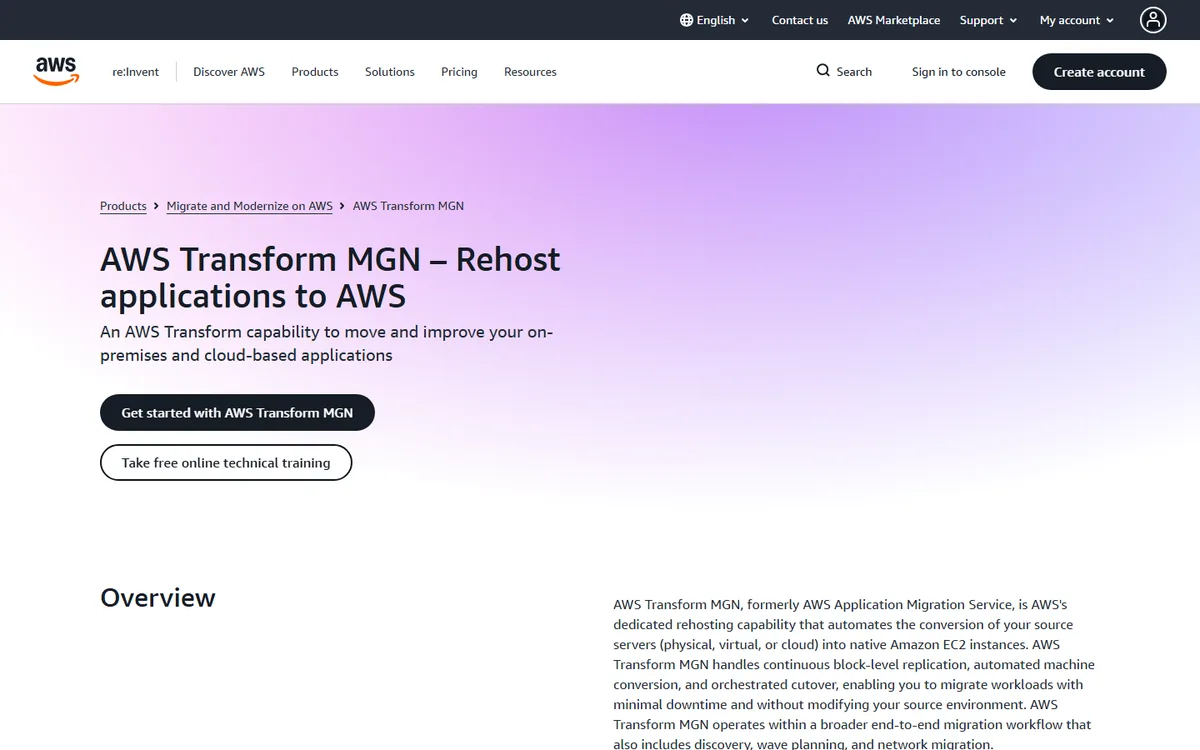
The Default Choice When Your Target Is AWS and You Want Continuous Replication With a Short Cutover
AWS Application Migration Service replicates your source servers into AWS and converts them to run natively on EC2.
If AWS is your target, this is where I start. You install an agent on each source server, and the service replicates disks continuously into a low-cost staging area in your AWS account. When you are ready, you launch test instances, check them, and then cut over with a short final sync. It works for physical servers, VMware, Hyper-V and other clouds.
The service is built for rehosting, so it does not redesign anything for you. That is a strength when you want predictable moves and a weakness when your plan includes changes to the platform. It also handles the replication only. Discovery, dependency mapping and wave planning need other tools, such as AWS Application Discovery Service or one of the mapping tools further down this list.
Pros of AWS Application Migration Service
- Continuous replication keeps the final cutover window short
- Test launches let you verify servers before the real switch
- The service itself is free for a limited time per server
Cons of AWS Application Migration Service
- Only useful if AWS is your target
- You manage agents on every source server
AWS Application Migration Service Pricing
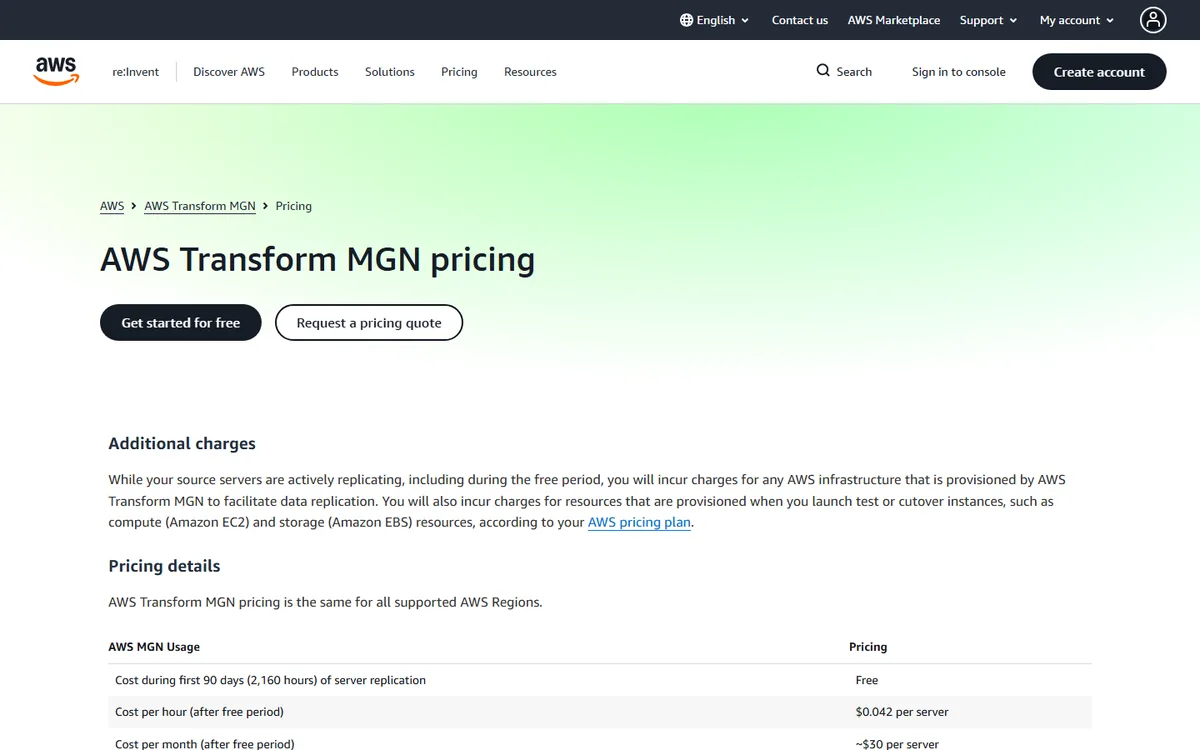
AWS states that Application Migration Service is free for the first 90 days of replication per source server, and billing starts after that period. Independent cost write-ups put the charge after the free window at about $0.028 per source server per hour, or roughly $20 per server per month. You also pay for the staging and test resources you use in your AWS account, so confirm current rates on the AWS pricing page.
AWS Application Migration Service Reviews
- I could not confirm a current G2 or Capterra rating for this product, so I leave it out instead of guessing.
Azure Migrate
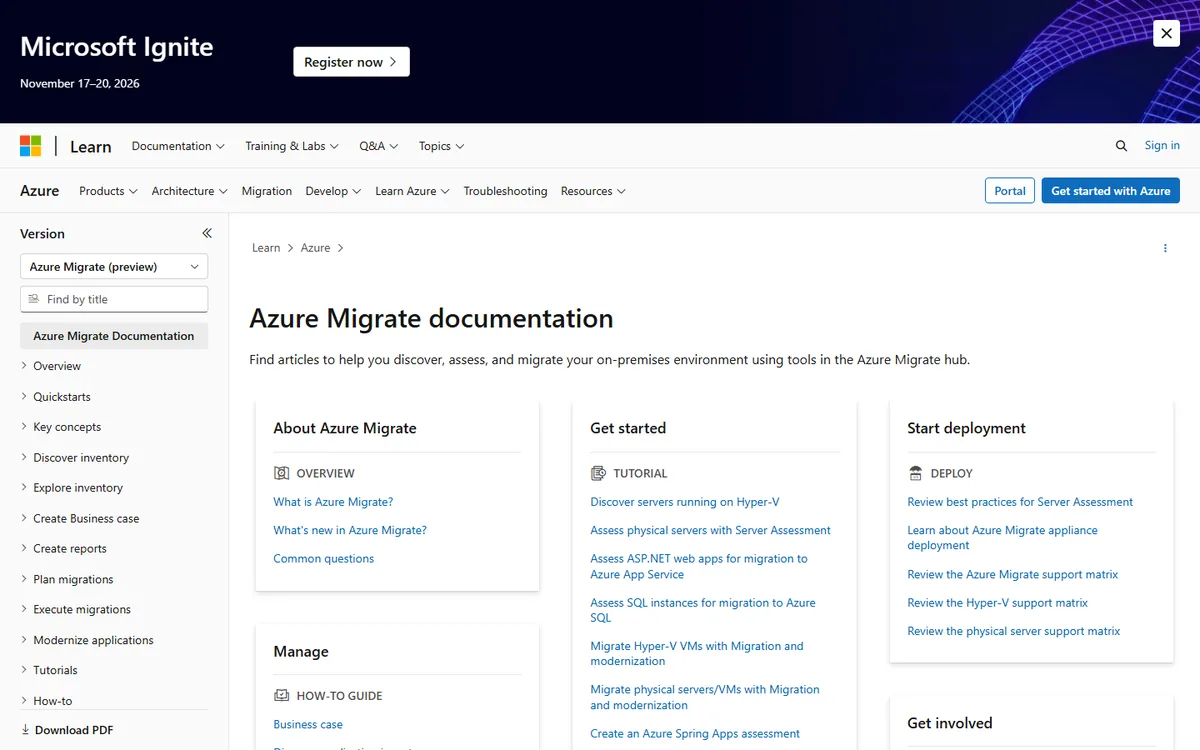
The Most Complete Free Hub for Assessing and Moving Servers, Databases and Web Apps Into Azure
Azure Migrate is Microsoft’s central hub for discovering, assessing and migrating on-premises workloads to Azure.
Azure Migrate stands out because it covers the planning side as well as the move. An appliance scans your VMware, Hyper-V or physical servers, collects configuration and performance data, and recommends Azure sizes with cost estimates. Dependency analysis shows which servers talk to each other, which helps you build waves.
The same hub then runs the migration through replication for servers and separate tools for databases and web apps. I like it for Microsoft-heavy shops, where licensing benefits and familiar tooling help. If you are not going to Azure, there is little reason to use it. Agent-based dependency visualization uses Log Analytics, which has been billable since July 2024, and Microsoft recommends the agentless option instead.
Pros of Azure Migrate
- Assessment, dependency analysis and migration in one place
- Sizing recommendations with cost estimates for Azure
- Supports VMware, Hyper-V and physical servers
Cons of Azure Migrate
- Built for Azure targets only
- Agent-based dependency analysis adds Log Analytics charges
Azure Migrate Pricing
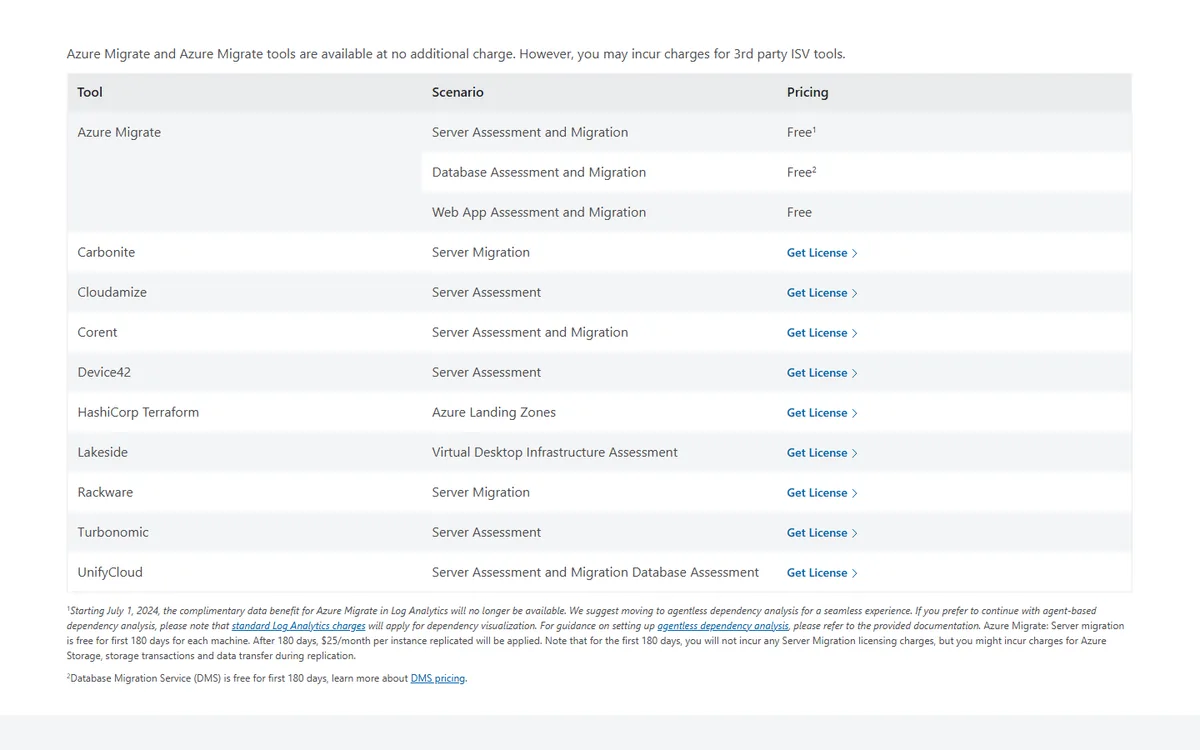
Microsoft states that Azure Migrate and its tools are available at no additional charge. Third-party tools plugged into the hub, such as those from Carbonite, Device42, RackWare and Turbonomic, may carry their own licenses, and the Azure resources you consume after migration are billed as usual.
Azure Migrate Reviews
- G2: 4.4/5 average (from +17 reviews)
Google Migrate to Virtual Machines
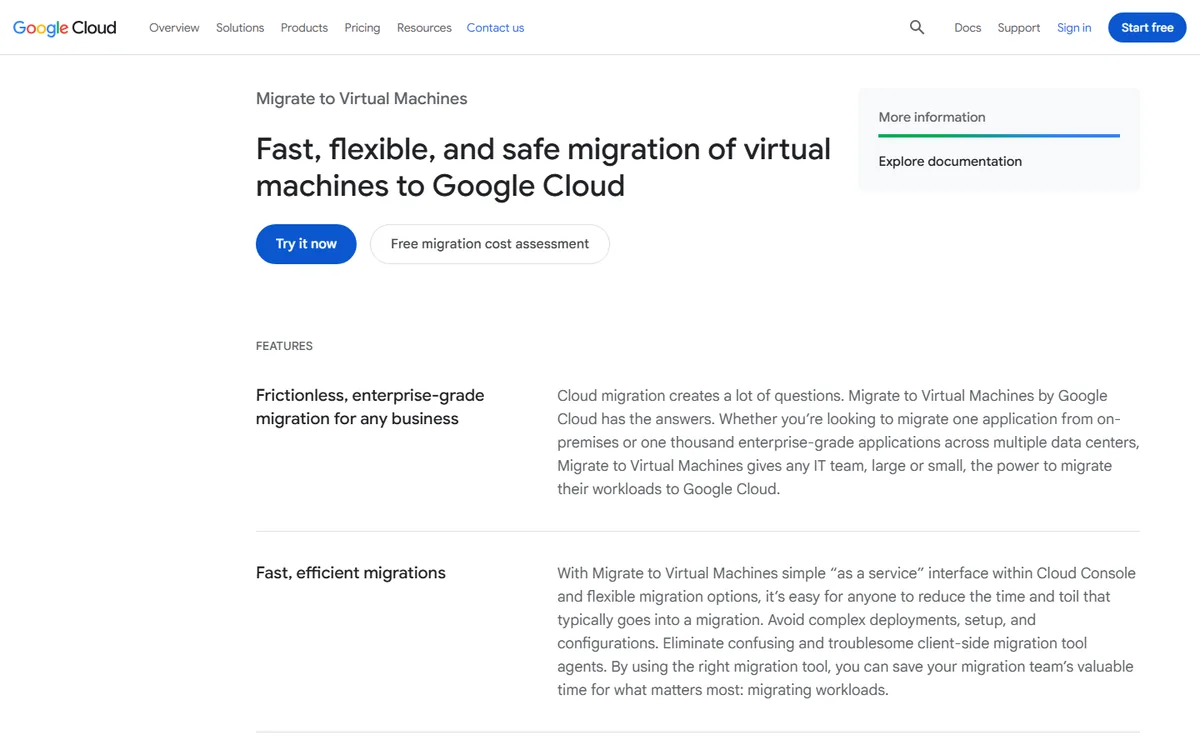
A Simple, No-Fee Route for Moving Virtual Machines Into Google Cloud
Migrate to Virtual Machines copies running VMs from VMware, AWS or Azure into Google Compute Engine.
This is Google’s answer to AWS MGN and Azure Migrate, and it follows the same pattern. You connect a source, replicate VMs while they keep running, test clones in Google Cloud and then cut over. It handles Windows and Linux machines and aims at short downtime.
Its scope is narrower than Azure Migrate, since discovery and assessment live in separate Google tools. I would pick it when the decision for Google Cloud is made and the sources are mostly virtual. If you have many physical servers or need dependency mapping, add another tool for that part.
Pros of Google Migrate to Virtual Machines
- No charge for the migration service itself
- Test clones let you check workloads before cutover
- Works with VMware, AWS and Azure sources
Cons of Google Migrate to Virtual Machines
- Targets Google Cloud only
- Planning and dependency mapping need separate tools
Google Migrate to Virtual Machines Pricing
Google states that the Migrate to Virtual Machines service is provided at no charge for migrations into Google Cloud. You still pay for resources used during testing or validation, such as Compute Engine instances, storage and networking, and for the workloads once they run. Paid support is sold separately.
Google Migrate to Virtual Machines Reviews
- I could not confirm a current G2 or Capterra rating for this product, so I leave it out instead of guessing.
VMware HCX
The Natural Pick When You Run VMware on Both Sides and Want to Move Live Without Changing IPs
HCX connects vSphere sites and moves virtual machines between them with bulk, live or cold migration options.
If you run VMware at the source and at the target, HCX is hard to beat. It builds a network link between sites, can extend your layer 2 networks, and moves machines in several modes, from bulk copies with a short switch to live vMotion-style moves. Because networks are stretched, servers can keep their IP addresses, which removes a whole class of cutover work.
HCX is only as flexible as the VMware ecosystem around it. It helps most for moves into VMware-based clouds and between vSphere data centers. Licensing has also changed under Broadcom, so check what your current agreement includes before you plan around it.
Pros of VMware HCX
- Keeps IP addresses by stretching networks between sites
- Several move modes, from bulk to live
- Well suited to moves between vSphere environments
Cons of VMware HCX
- Little use if your target is not VMware-based
- Licensing terms have changed, so check what you hold
VMware HCX Pricing
HCX licensing depends on your VMware or cloud provider agreement, and I could not confirm a standalone public price. Broadcom has changed VMware licensing and packaging, so ask your account team or provider what your current subscription includes.
VMware HCX Reviews
- I could not confirm a current G2 or Capterra rating for this product, so I leave it out instead of guessing.
Zerto
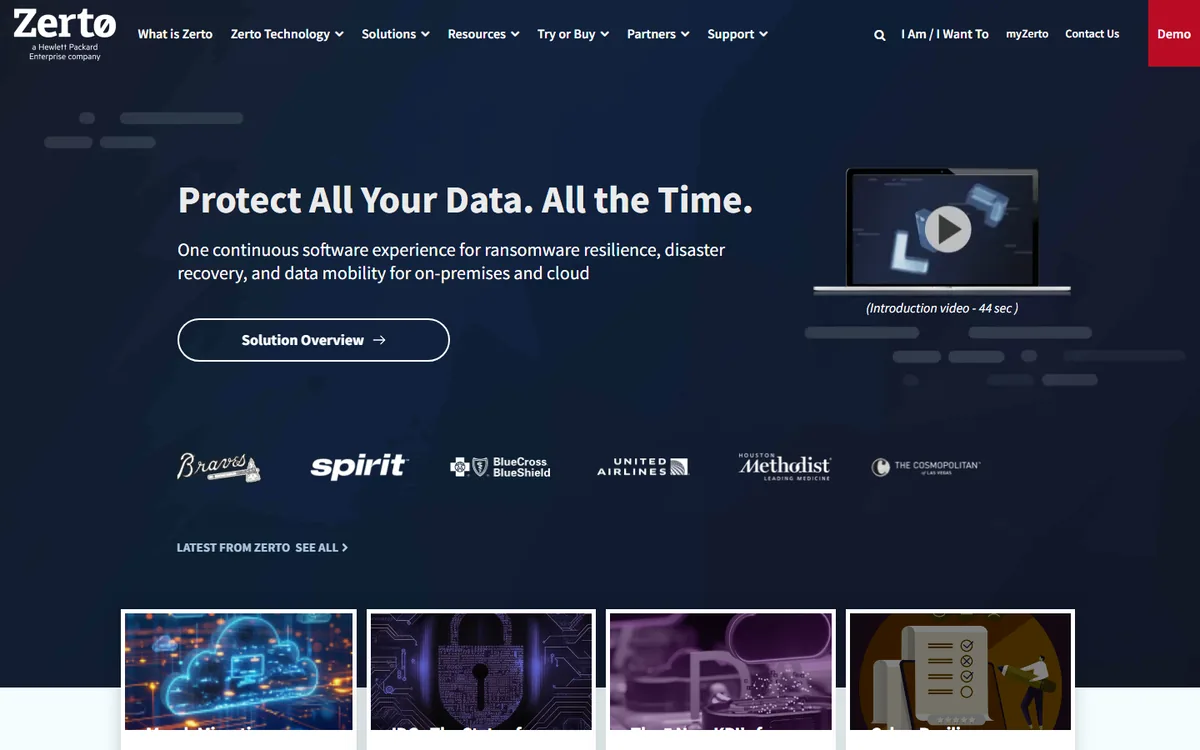
The Best Fit When Downtime Must Be Minutes and You Want Journal-Based Rollback
Zerto, now part of HPE, replicates virtual machines continuously and lets you recover or move them to any point in time.
Zerto started as disaster recovery software, and that heritage helps in migrations. It replicates machines continuously and keeps a journal of changes, so you can move a workload with only seconds of data difference and roll back to a point before the move if something looks wrong. It supports VMware, Hyper-V and major clouds.
That rollback ability is the reason I recommend it for critical systems. The trade-off is cost: Zerto is a premium product built for ongoing protection, so using it only for a single move can be expensive unless you keep it for disaster recovery afterward. Many teams buy it for that dual purpose.
Pros of Zerto
- Continuous replication with a journal for point-in-time rollback
- Very short cutover for critical systems
- Doubles as disaster recovery after the move
Cons of Zerto
- Premium pricing for a one-time move
- Best value only if you keep it for recovery afterward
Zerto Pricing
Zerto pricing is quote-based and usually per protected virtual machine, sold directly by HPE or through partners. I could not confirm current list prices, so request a quote. A free trial is available according to Capterra.
Zerto Reviews
- G2: 4.7/5 average (from +69 reviews)
- Capterra: 4.8/5 average (from +24 reviews)
OpenText Migrate

A Flexible Option for Moving Servers Between Almost Any Source and Target
OpenText Migrate, formerly Carbonite Migrate and Double-Take, replicates servers between physical, virtual and cloud platforms.
OpenText Migrate replicates whole servers in real time between different platforms, so you can go from physical to virtual, from one hypervisor to another or from your racks to a cloud. The final cutover is short because only the latest changes remain to sync. It is one of the tools listed in the Azure Migrate partner area.
It earns its place in mixed environments, where one native cloud tool covers only part of the estate. The product has changed hands over the years, so confirm support and licensing terms with a current reseller. Public review data is thin, so treat the rating below with care.
Pros of OpenText Migrate
- Works across physical, virtual and cloud sources and targets
- Real-time replication keeps cutover short
- Useful when native cloud tools do not cover your platforms
Cons of OpenText Migrate
- Quote-based pricing with limited public detail
- Few public reviews to judge from
OpenText Migrate Pricing
OpenText Migrate is sold by quote through OpenText and partners, and I could not find public list prices. Licensing is typically per server, so ask for terms that cover your full wave plan, including test migrations.
OpenText Migrate Reviews
- G2: 4.8/5 average (from 2 reviews)
RackWare
A Specialist Pick for Hybrid Moves and for Migrations Between Clouds and Data Centers
RackWare automates the move of workloads between physical, virtual and cloud platforms and can reuse the same setup for recovery.
RackWare focuses on automated rehosting. You define source and target, and the platform copies the full server stack, including operating system, applications and data, then helps you cut over. It handles moves in several directions, including from cloud back to a data center.
I have seen it work well for hybrid estates that include odd platforms. It is a smaller vendor than the cloud giants, so check regional support and references. It is listed as an ISV tool in the Azure Migrate hub, which makes it easy to pair with Microsoft’s planning features.
Pros of RackWare
- Handles moves in several directions, including back from the cloud
- Automates much of the rehosting work
- Can serve disaster recovery after the move
Cons of RackWare
- Smaller vendor, so check support coverage
- Quote-based pricing and few public reviews
RackWare Pricing
RackWare pricing is quote-based, and I could not find public list prices. Ask for a license model that covers test runs as well as production cutovers.
RackWare Reviews
- G2: 4.3/5 average (from 6 reviews)
Veeam Data Platform
A Practical Way to Move Workloads When You Already Own the Backups and Trust the Restore
Veeam restores backups into a new environment, which makes it a practical migration route for teams that already use it.
Veeam is not a migration tool first, but many teams use it as one. You back up the source machine, restore it to the target platform, whether VMware, Hyper-V, Nutanix or a cloud, and finish with an incremental sync. Features such as Instant Recovery start a machine straight from the backup file.
That route works when you already own Veeam and know it well. It also gives you a tested restore path, which doubles as rollback. The downside is that the final cutover may be longer than with continuous replication, so I use it for medium-criticality systems and for the odd machine that other tools handle badly.
Pros of Veeam Data Platform
- Reuses backups and skills you already have
- Supports many source and target platforms
- Restore path doubles as a rollback
Cons of Veeam Data Platform
- Cutover can be longer than with continuous replication
- No dependency mapping or wave planning
Veeam Data Platform Pricing
Veeam sells subscription licenses by workload, with editions and prices that depend on the product bundle and your region. I could not confirm public per-workload rates, so ask a partner for a quote and check what your current license already covers.
Veeam Data Platform Reviews
- G2: 4.6/5 average (from +750 reviews)
Faddom
The Quickest Way to See Application Dependencies Without Installing Agents
Faddom maps servers and applications by analyzing network traffic, without agents.
Faddom answers the first hard question of any move: what talks to what? It reads network flow data and builds a live map of servers, applications and connections, without installing agents. You can see dependencies in hours and group servers into waves based on real traffic.
I like it for the discovery phase. It is not a migration engine, so you pair it with a replication tool. Since traffic is what it watches, you still need a capture that spans a full business cycle, or month-end jobs will be missed. Cost can be high for small projects, so compare plan tiers against the size of your estate.
Pros of Faddom
- Agentless setup gets a map in hours
- Live traffic view instead of stale diagrams
- Helps group servers into migration waves
Cons of Faddom
- Does not move anything itself
- Higher plans can be costly for small estates
Faddom Pricing
Capterra lists Faddom plans from a $1 Community plan to Standard at $6,000, Pro at $14,000 and Enterprise at $30,000, with a free trial available. The listing does not make the billing period clear to me, so check Faddom’s own pricing page before you budget.
Faddom Reviews
- G2: 4.5/5 average (from +111 reviews)
- Capterra: 4.8/5 average (from +20 reviews)
Device42
A Strong Choice When You Need a Lasting Inventory, Not Just a One-Time Scan
Device42, now part of Freshworks, discovers and documents your servers, applications, storage, network and their dependencies.
Device42 builds a configuration database from discovery scans. It finds servers, virtual machines, network gear and storage, and maps how applications connect. Its migration features add move groups and cloud sizing recommendations, so you can plan waves from the same data.
It suits teams that need an inventory that outlives the project. It takes more setup than a lightweight mapper, and you need credentials and access for deep discovery. It is also one of the partner tools listed in the Azure Migrate hub.
Pros of Device42
- Deep discovery of assets and dependencies
- Inventory stays useful after the move
- Migration planning features such as move groups
Cons of Device42
- More setup than agentless mappers
- Quote-based pricing
Device42 Pricing
Device42 pricing is quote-based and depends on the number of devices. Capterra shows a listing with per-user prices, but it looks inconsistent with how the product is sold, so I would not rely on it. Ask the vendor for a quote based on your device count.
Device42 Reviews
- Capterra: 4.8/5 average (from +91 reviews)
NAKIVO Backup & Replication
An Affordable Replication-Based Route for Smaller Estates and Hypervisor Switches
NAKIVO replicates virtual machines between hosts and sites, which also works as a migration path.
NAKIVO is a backup and replication product, and it handles migrations in the same way as Veeam does: replicate a machine to the target, test it and switch over. It supports VMware, Hyper-V, Proxmox and Nutanix, among others, which helps when you are leaving one hypervisor for another.
It fits smaller estates and teams that want a simpler interface and lower license costs. Large environments with complex dependencies will want a dedicated mapping tool next to it. As with any replication-based route, test the final sync time before you trust a window.
Pros of NAKIVO Backup & Replication
- Simple interface and quick setup
- Supports several hypervisors, including moves between them
- Doubles as backup and recovery after the move
Cons of NAKIVO Backup & Replication
- No dependency mapping or wave planning
- Less suited to very large estates
NAKIVO Backup & Replication Pricing
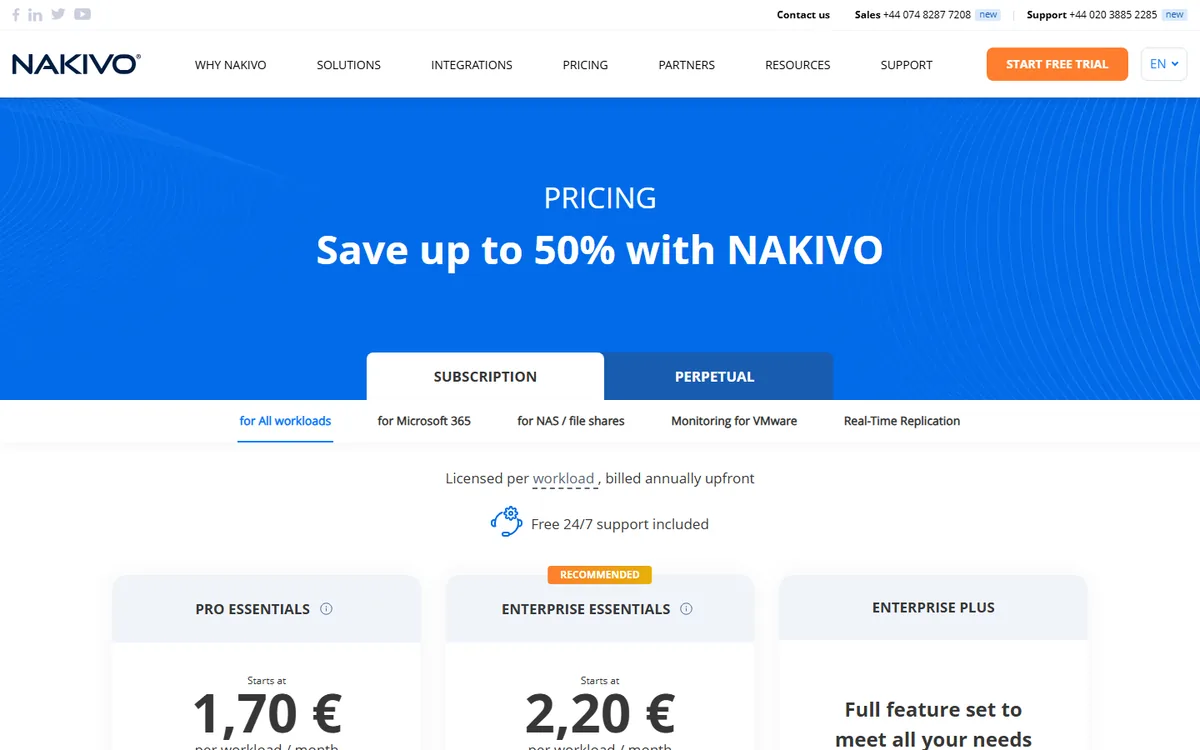
NAKIVO publishes editions and per-workload pricing on its site, and the numbers vary by edition and term. I did not confirm current rates, so check the vendor’s pricing page before you budget.
NAKIVO Backup & Replication Reviews
- G2: 4.7/5 average (from +350 reviews)
Estimate the Return on a Migration Tool
Before you pick a plan, check whether the numbers work for you. Enter the manual hours the tool could save, such as inventory work and server rebuilds, and the monthly price of the tool, and you will see what it could return in a year. The biggest savings usually come from the problems I describe in my article on data center migration challenges.
Will the Tool Pay Off for You?
Move the sliders to match the work you want to automate and the plan you are considering.
How to Choose the Right Data Center Migration Tool
In my experience, your target and your estate decide more than any feature list. Before you compare vendors, I suggest you answer four questions:
- Where are you moving to, and does that platform offer a free native tool?
- Do you know which servers depend on each other, or do you need a mapping tool first?
- How much downtime can each system accept, and do you need continuous replication or point-in-time rollback?
- Will you keep the tool afterward for backup or recovery, which changes how much it is worth?
If you are moving into one big cloud, start with its native tool and add a mapper. If you move between mixed platforms or need minutes of downtime, look at Zerto or OpenText Migrate. Whatever you pick, follow the habits in my list of data center migration best practices and the steps in the data center migration checklist, because tools do not fix a weak plan. For the larger picture, read my data center migration strategy.
Questions About Choosing Data Center Migration Tools
What Are the Best Free Data Center Migration Tools?
Azure Migrate and Google Migrate to Virtual Machines carry no charge for the service itself when you move into their clouds, and AWS Application Migration Service is free for the first 90 days per source server. You still pay for the cloud resources used for testing and for the workloads afterward.
Which Tool Should I Use to Move into AWS, Azure or Google Cloud?
Start with the native tool of your target: AWS Application Migration Service, Azure Migrate or Migrate to Virtual Machines. They are built for that platform and cost little or nothing. Add a mapping tool for dependencies, and a replication tool such as Zerto if you need a faster cutover or point-in-time rollback.
Do I Need a Separate Tool for Dependency Mapping?
Usually yes. Replication tools move servers but do not tell you which ones belong together. Faddom, Device42 and Azure Migrate’s dependency analysis show traffic between systems. Capture over a full business cycle so month-end jobs appear.
Can Backup Software Be Used to Migrate Servers?
Yes. Veeam and NAKIVO can restore or replicate machines to a new platform. This works well for medium-criticality systems, but the final cutover is usually longer than with continuous replication, so test it first.
How Much Downtime Can These Tools Achieve?
With continuous replication, the cutover often takes minutes to a few hours, depending on the final sync and your checks. Backup-based routes take longer. Always time a test migration, because your data change rate decides the real figure.
Are the Prices in This List Final?
No. Prices, plans and ratings change often. I checked them when I last updated this article, and some vendors publish no prices at all. Confirm everything on the vendor’s site before you buy.
Do I Still Need a Consultant If I Buy These Tools?
Tools move data, but planning decides whether the move goes well. A partner helps with discovery, wave design, rollback plans and cutover. Many teams use a partner for planning and the first waves, then run the rest with their own people.
Heads up: vendors change prices, plans and ratings often. Everything was checked at the last update date, but confirm on each vendor’s website first. This article is not legal or financial advice.
Was this article helpful?
Thank you for letting us know.
Camille leads the Trevio editorial team and works with our consultants to turn real client projects into practical guides on data strategy, engineering and governance. Before joining Trevio, she spent 11 years in data engineering and analytics roles. She has since edited more than 300 articles on data management and reviewed pipelines and platforms from over 100 client projects. She is based in Denver, Colorado.