Key Takeaways
- Hidden dependencies, unclear ownership and shrinking windows cause the biggest problems.
- Capture traffic for a full business cycle and name one owner per system before you plan waves.
- Check licensing, bandwidth and data volume with real tests, not estimates.
- Model the monthly cost of delay and keep one person responsible for communication.
Every migration I have seen hit at least a few of the problems below. The good ones hit them early and cheaply, and the bad ones hit them on cutover night. Naming the hurdles in advance is the most useful thing you can do, and it is a core part of data center migration consulting.
The eleven challenges below come from projects I have worked on, ordered roughly by how often they appear. Each one has what goes wrong and what to do about it.
The Eleven Hurdles at a Glance
| Challenge | Where it hurts | Best early action |
|---|---|---|
| 1. Hidden dependencies | Failures after cutover | Month-long traffic capture |
| 2. Unclear ownership | Stalled decisions | Owner per system |
| 3. Shrinking windows | Overrunning cutovers | Rehearse the final sync |
| 4. Legacy software | Unsupported moves | Flag in discovery |
| 5. Licensing | Unexpected invoices | Ask vendors in writing |
| 6. Bandwidth | Slow replication | Test with real data |
| 7. Data volume | Long copy times | Start copies early |
| 8. Security gaps | Audit findings | Review every path |
| 9. Budget overruns | Dual running bills | Model monthly delay cost |
| 10. Skills gaps | Slow first waves | Protect team time |
| 11. Communication | Lost trust | One communication lead |
The 11 Data Center Migration Challenges and How to Handle Them
You will not avoid all of them, and you do not need to. Prepare for the first five, since they cause the largest outages and the largest surprises.
1. Hidden Dependencies Between Systems
Applications call databases, file shares, authentication services and scheduled jobs that no diagram shows. When one of them lands at the new site without its partner, the failure looks random, and the cause takes days to find. Teams that rely on interviews alone find perhaps two thirds of the links.
The clean fix is evidence. Capture network traffic for a full business cycle, include month-end, and compare it with what owners tell you. On one project, a nightly export to a bank only appeared in the capture because it ran on the last day of the month.
What to do about it
- Capture traffic for at least one month-end
- Interview the people who run reporting and finance jobs
- Move related systems in the same wave
2. Unclear Ownership of Servers
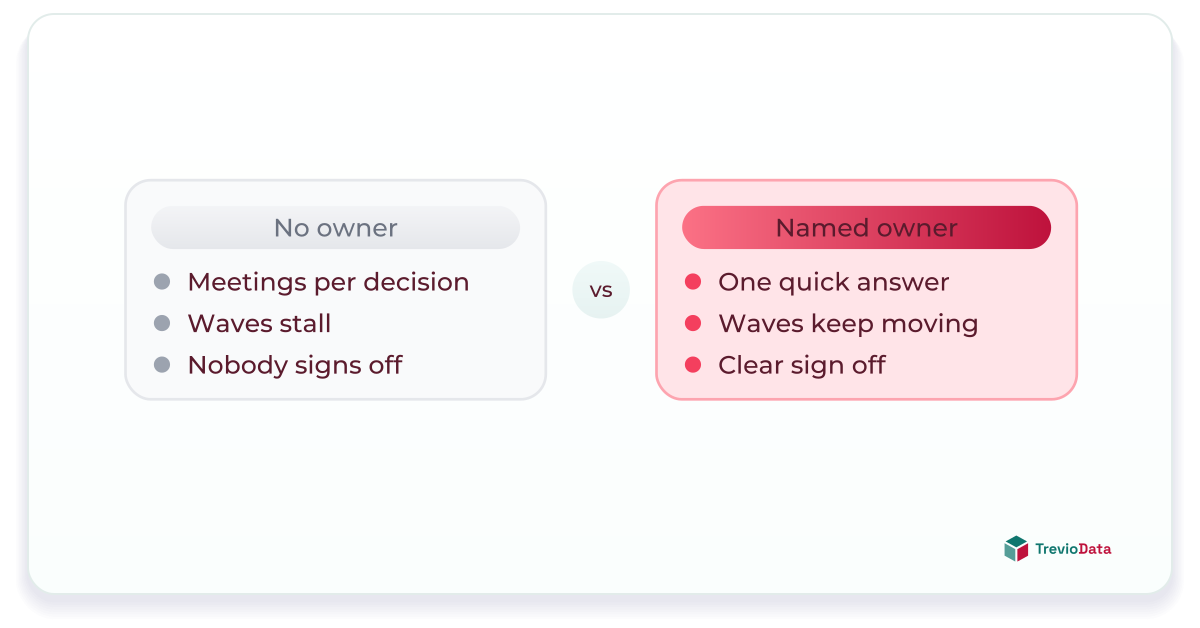
Many servers belong to nobody. The person who built them left, the project ended and the machine kept running. Without an owner, nobody can say whether a server is safe to retire or how long it can be offline.
Ownerless systems stall waves, because every decision needs a meeting. Make ownership a gate: no owner means the system goes on a retirement list and gets switched off for a trial period.
What to do about it
- List business and technical owners per system
- Set a deadline for claiming systems
- Power off unclaimed servers with a backup in place
3. Downtime Windows That Shrink
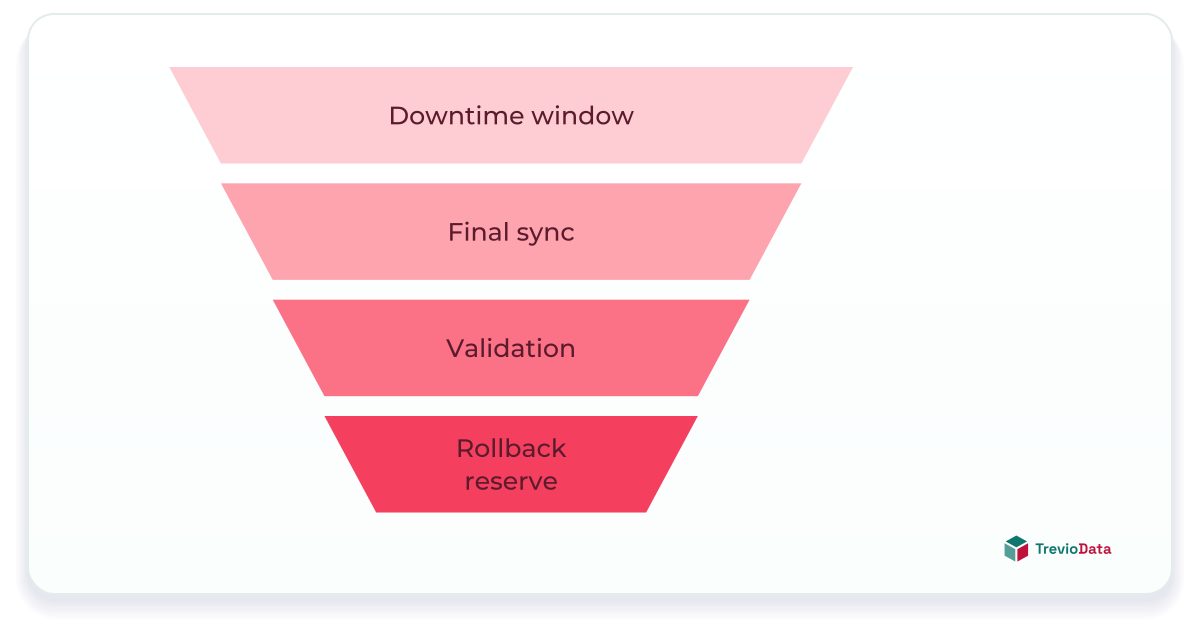
Business owners promise a six-hour window and then add a sales event, an audit or a release. A window that looked generous in planning becomes tight, and the final data sync takes longer than assumed.
Replication helps because it copies data while the system runs, leaving only the last changes for the window. Time the final sync on a test copy, and agree a decision rule for when to roll back.
What to do about it
- Time every final sync in a rehearsal
- Freeze other changes during the window
- Agree the rollback deadline in writing
4. Legacy Software and Unsupported Platforms
Old operating systems, end-of-life databases and software that vendors no longer support do not survive a move gracefully. Replication tools may not support them, and a rebuild may be impossible without the original installer.
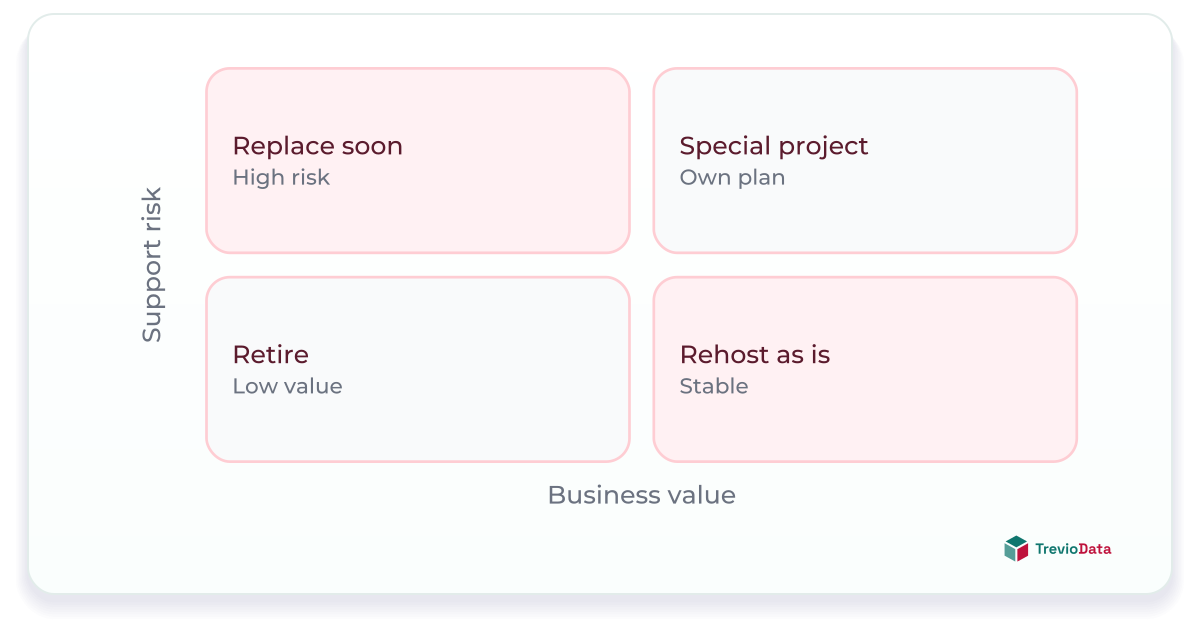
Treat each one as a special project with its own owner and plan. Options include moving the whole machine as is, wrapping it in a virtual machine, keeping a small footprint at the old site or retiring it with the business.
What to do about it
- Flag unsupported systems in discovery
- Test a restore on spare hardware
- Decide early whether to move, wrap or retire
5. Licensing That Breaks After the Move
Some software ties a license to hardware IDs, MAC addresses or IP ranges. After the move it refuses to start, or it demands a new contract at a higher price. Cloud and colocation targets can also change how vendors count cores or sockets.
Ask each vendor in writing before the wave: what changes if the host, location or hypervisor changes? Budget for it, because some of the largest surprises in a migration appear on the licensing invoice.
What to do about it
- Collect license terms for every paid product
- Ask vendors about hardware or location changes
- Add license cost to the three-year comparison
6. Network Bandwidth and Latency Surprises
A link that is rated for one gigabit often gives much less for replication once other traffic competes. Applications that talk to a database many times per request also slow down sharply when the two sit in different places.
Test with real data during the pilot, not with a speed test. Move chatty application and database pairs in the same wave, and plan for the slowest day of the week.
What to do about it
- Measure throughput with real replication
- Group chatty systems together
- Schedule heavy copies outside business hours
7. Data Volume and Copy Time
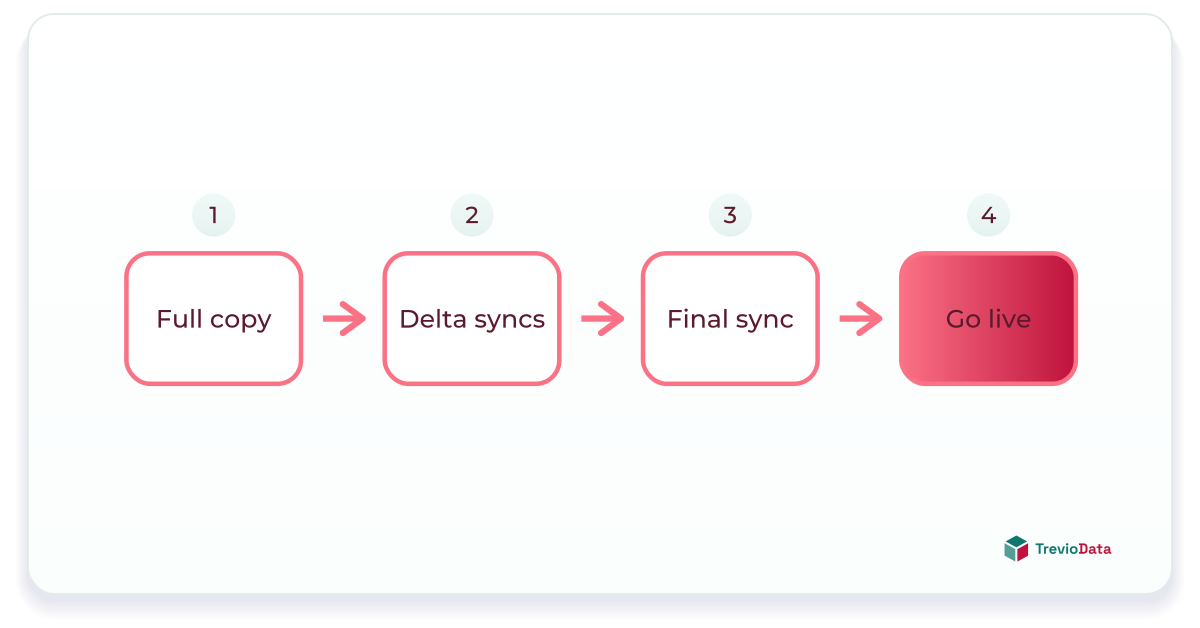
Terabytes take longer to copy than most people expect, and changed data keeps growing during the copy. A database that needs 14 hours for the first sync may need another four to catch up.
Start copies early so only the changes remain for the window. For very large sets, consider shipping devices or using a dedicated link. Measure the change rate, since a busy system can outrun a slow link.
What to do about it
- Measure change rate as well as size
- Start initial copies weeks ahead
- Verify data with counts and checksums
8. Security and Compliance Gaps in Transit
During a move, data sits on new networks, new storage and temporary links. Rules that held at the old site, such as encryption, access limits and logging, can fall through the gap. Regulated data adds residency and audit requirements.
Build the security design before the first wave, and have the security team review every transfer path. Keep audit evidence from both sites, and wipe old hardware with a certificate. Not every rule I list here fits every sector, so check current requirements for your own.
What to do about it
- Encrypt data in transit and at rest
- Review transfer paths with security
- Keep certificates of data destruction
9. Budget Overruns and Double Running Costs
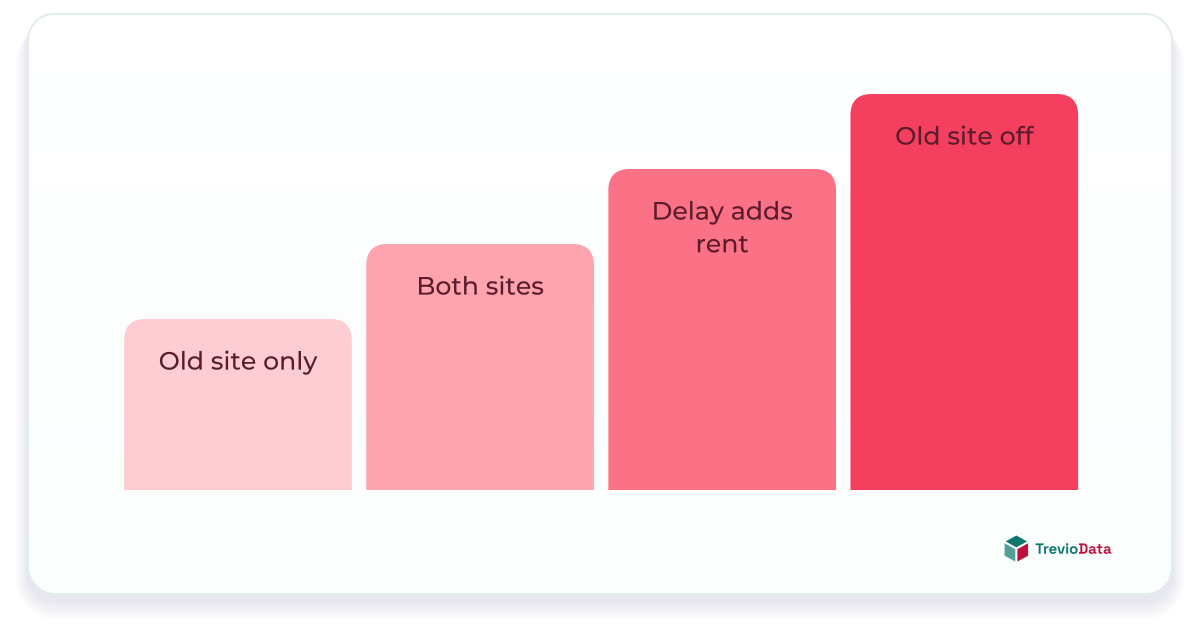
Delays keep the old site and the new one alive together, so two sets of bills arrive. Add tool licenses, contractor time and overtime, and the budget slips quietly. Most overruns come from schedule slips, not from price surprises.
Model the cost of each month of delay in advance, and show it to sponsors. It turns schedule debates into money debates, which are easier to settle. Hold a contingency and decide who can spend it.
What to do about it
- Calculate the monthly cost of dual running
- Track actual against planned per wave
- Hold contingency with a named approver
10. Skills Gaps and Stretched Teams
Your best engineers are also running production. When the migration lands on top of their daily work, both suffer. Tools are new, runbooks are unfamiliar and the first wave runs slowly because everyone is learning.
Protect time for the migration team and use outside specialists for the parts where experience matters most. Train on the pilot, and pair each outside expert with someone from your team.
What to do about it
- Free named people for the project
- Train the team on the pilot wave
- Pair specialists with your own engineers
11. Weak Communication With the Business
Users learn about an outage when it happens. Owners do not know what to test. Executives hear about problems from customers. Each of these damages trust in the project more than the technical issue behind it.
Send short, regular updates with dates, impact and what you need from people. After each wave, report what moved and what is still open. A single communication lead keeps messages consistent.
What to do about it
- Name one communication lead
- Announce each window at least twice
- Publish a short report after every wave
Patterns Behind the Hurdles
Looking across projects, the eleven problems group into three causes: not knowing enough (dependencies, ownership, legacy), not testing enough (windows, bandwidth, volume) and not coordinating enough (budget, skills, communication). Security and licensing sit between them.
That grouping helps with planning. Spend your first weeks on knowing, with a thorough inventory and the steps in my data center migration checklist. Spend the middle on testing, using the pilot to measure real numbers. Keep coordination running the entire time, with owners, a budget model and regular updates.
Tools reduce several of these risks. Discovery tools find dependencies, replication tools shrink windows and monitoring tools show bandwidth use. My ranking of data center migration tools covers what each does well. For the order in which to deal with everything, see my data center migration strategy and the data center migration best practices.
How to Choose Which Hurdle to Tackle First
Score each challenge on two questions: how likely is it in your environment, and how much would it cost if it happened? Start with the high-likelihood, high-cost ones. For most teams, those are dependencies, ownership and downtime windows.
An outside review can quickly show which of the eleven your project is most exposed to, based on your inventory and plan. That is usually a short exercise, and it can save a long weekend later.
Questions About Data Center Migration Challenges
What Are the Biggest Data Center Migration Challenges?
Hidden dependencies, unclear ownership and shrinking downtime windows cause the most trouble. Legacy software, licensing and network limits follow. Each one can be reduced with evidence gathered early, such as traffic captures, owner lists and rehearsed cutovers.
How Do I Find Hidden Dependencies?
Capture network traffic for at least a full business cycle, including month-end, and compare it with what owners say. Then interview people who run finance and reporting jobs. Move related systems together in the same wave.
Why Do Migrations Go Over Budget?
Most overruns come from schedule slips, not from price surprises. Delays keep the old and new sites running together, and extra contractor time adds up. Model the monthly cost of delay in advance and hold a contingency with a named approver.
How Do I Handle Unsupported Legacy Systems?
Treat each one as its own project. Options include moving the machine as is, wrapping it in a virtual machine, keeping a small footprint at the old site or retiring it with the business. Test a restore early, since it shows whether the move is possible.
Can Licensing Really Stop a Migration?
It can delay one. Some software ties licenses to hardware or addresses, and vendors may change terms when the location or platform changes. Ask each vendor in writing before the wave and include any cost in your comparison.
How Much Downtime Should I Expect?
It depends on the system and the method. Replication can reduce the window to minutes or a few hours, while old databases without replication need a longer planned window. Rehearse the final sync and agree the figure with owners.
When Should I Ask for Outside Help?
Consider it when your team is stretched, when you have unsupported legacy systems or when the timeline is fixed and short. Outside help is most valuable in discovery, cutover design and the first waves.
Note: This article is general information, not legal, financial or tax advice. Figures and examples are estimates based on typical projects, so check current details with your providers and advisers before you decide.
Was this article helpful?
Thank you for letting us know.
Camille leads the Trevio editorial team and works with our consultants to turn real client projects into practical guides on data strategy, engineering and governance. Before joining Trevio, she spent 11 years in data engineering and analytics roles. She has since edited more than 300 articles on data management and reviewed pipelines and platforms from over 100 client projects. She is based in Denver, Colorado.