Key Takeaways
- Rank your goals and hard limits first, because speed, cost and uptime conflict.
- Discovery shapes the budget: map dependencies, retire unused servers and name an owner per system.
- Rehost first and improve later, and compare cloud, colocation and a new site over three years.
- Plan small waves with a pilot, a runbook and a rollback, and review after every wave.
A data center migration strategy answers four questions before any server moves: why you are moving, where to, in what order and what you will do when something fails. Without those answers, the project is a list of tasks with a date on it. I help teams write this strategy as part of data center migration consulting, and the playbook below is the version I use.
The strategy has five phases, from priorities to review. The table gives the overview, then each phase gets its own short section so you can use the parts you need.
The Five Phases in Short
| Phase | Main question | Output | Decision gate |
|---|---|---|---|
| 1. Priorities | Why are we moving and what matters most? | Ranked goals and constraints | Sponsor approves goals |
| 2. Discovery | What do we run and how is it connected? | Inventory and dependency map | Owners confirm the list |
| 3. Target and approach | Where does each system go and how? | Disposition per system, cost model | Finance approves the case |
| 4. Waves and cutover | In what order and with what safety net? | Wave plan, runbooks, rollback | Pilot results accepted |
| 5. Run and review | Did it work and what do we shut down? | Validation report, closed site | Owners sign off |
Phase 1: Set Priorities and Limits
Write down why the move is happening. A lease ending, a hardware refresh, a cost target, a merger and a resilience goal each lead to different choices. Rank the goals, because they conflict: the cheapest route is rarely the fastest, and the fastest is rarely the safest.
Then list the hard limits. These are the date you cannot miss, the budget ceiling, regulated data that must stay in a region, and the downtime each business area accepts. I ask sponsors to sign this one-page list, since it settles many arguments later.
Phase 2: Discover What You Really Run
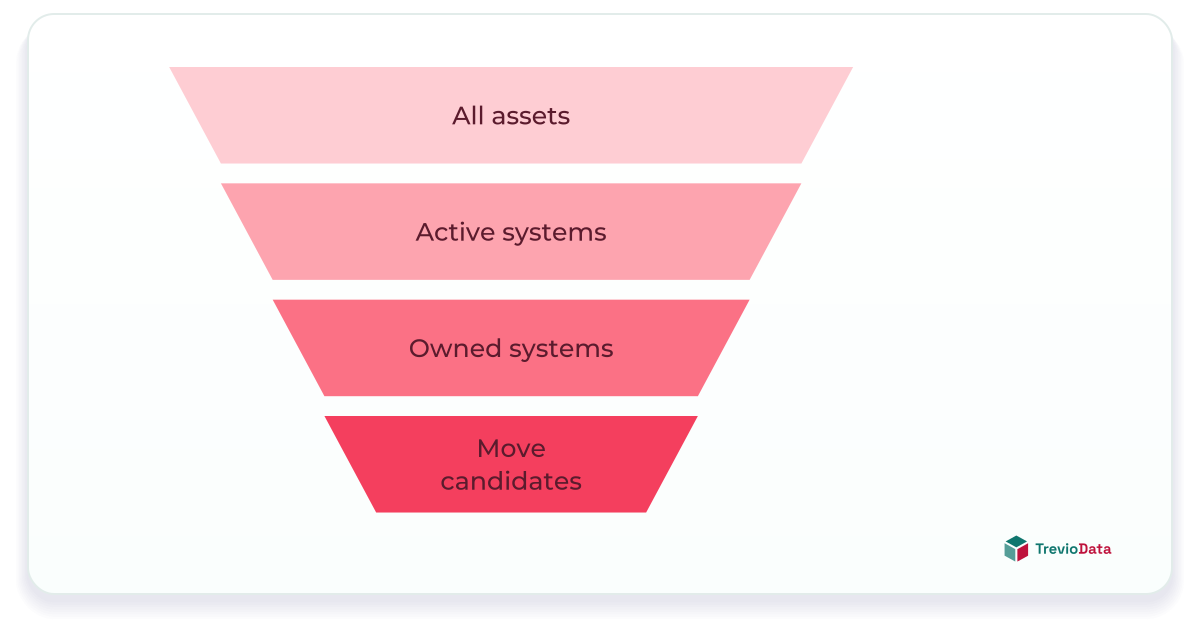
Combine your CMDB, hypervisor exports and a traffic capture that covers a full business cycle. The merged result shows servers, databases, links and the quiet jobs between them. Give each system a business owner, a technical owner and an agreed answer to how long it can be offline.
Treat discovery as the phase that shapes the budget. In one financial services project, mapping showed that about a fifth of the servers carried no traffic. Retiring them cut the move by weeks before a single copy started. My data center migration checklist lists the evidence to collect.
Phase 3: Choose Targets and Approaches
Give each system one of four fates: retire, rehost as is, replatform with small changes or rebuild. Rehosting is the fastest and keeps risk low. Rebuilding gives the most long-term benefit and the most schedule risk, so keep it out of the critical path.
Next, compare targets over three years: cloud, colocation, a new owned site or a mix. Use sizing from real usage, not from the old hardware, and include network, licensing, support and the cost of running two sites during the move. The table below shows how the approaches usually trade off.
| Approach | Speed | Risk | Long-term benefit | Best for |
|---|---|---|---|---|
| Retire | Instant | Low | High savings | Unused or duplicated systems |
| Rehost | Fast | Low | Moderate | Most standard servers |
| Replatform | Medium | Medium | Good | Databases and stable apps |
| Rebuild | Slow | High | Highest | Systems you must change anyway |
Phase 4: Plan Waves, Cutovers and Rollback
Group systems that talk to each other into the same wave, and start with low-risk ones. Add buffer between waves, and keep peak business periods free. Choose tools for each type of system, such as block-level replication for servers and native tools for large databases, using my guide to data center migration tools as a starting point.
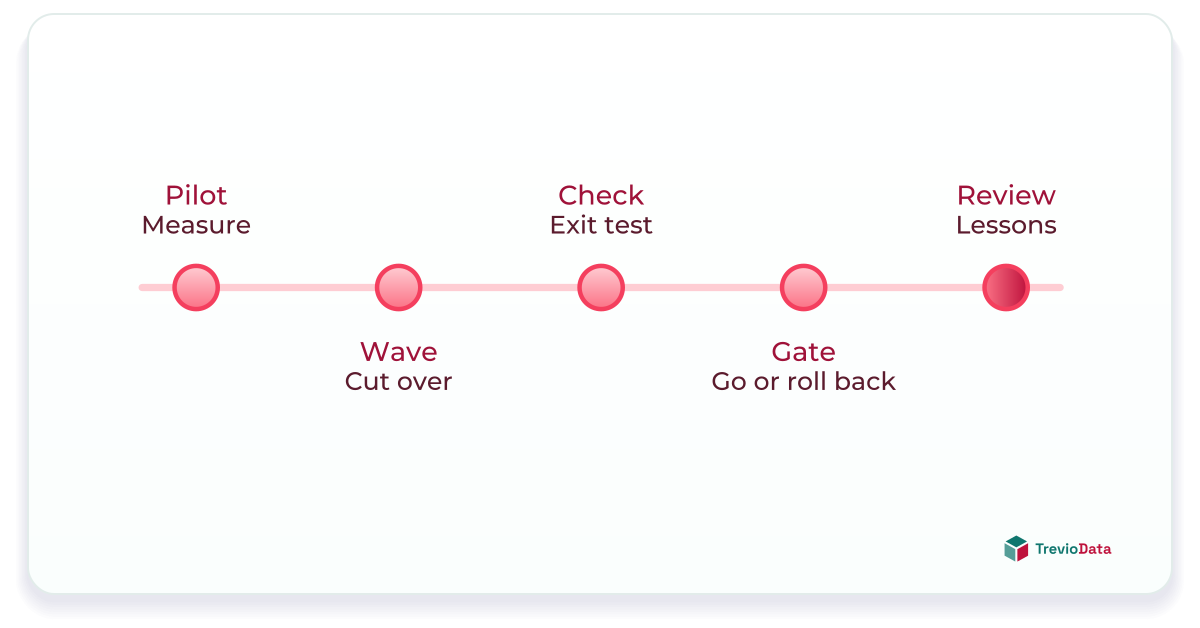
Run a pilot before the first real wave. Its measured copy speed, cutover time and rollback time replace the guesses in your plan. Then write a runbook for every wave with owners, timings and checks, plus a rollback with a point of no return.
Phase 5: Run, Validate and Shut Down
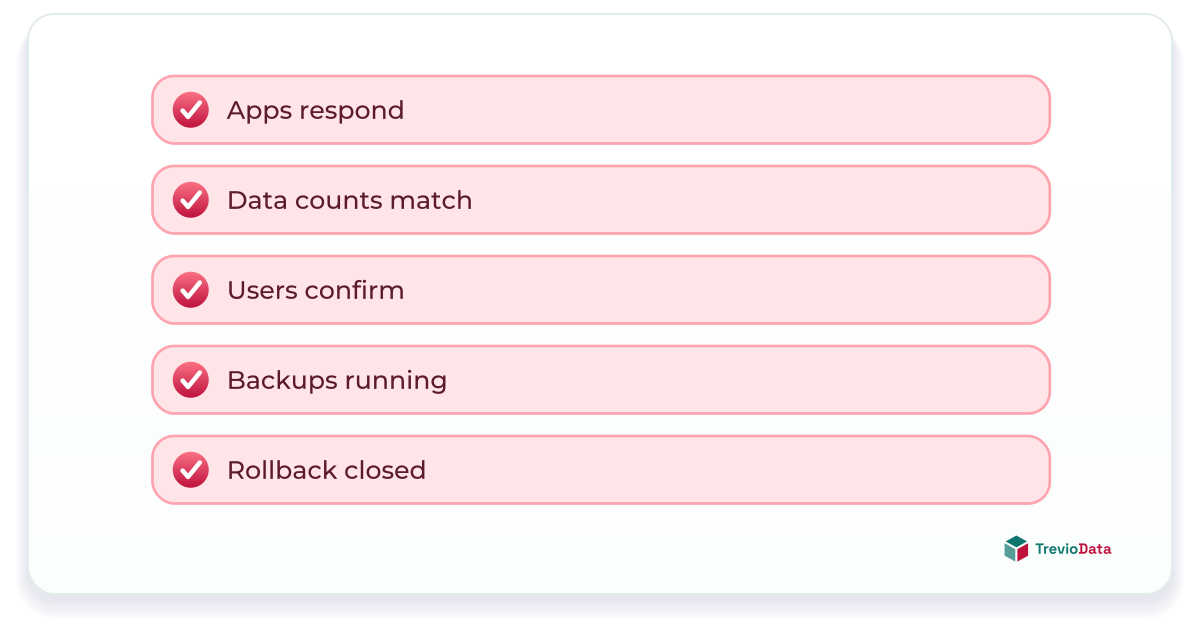
After each wave, check agreed measures: data counts, application tests, performance against the baseline and user sign-off. Keep the old systems on standby for the agreed period. Then wipe hardware, get certificates, end contracts in the right order and update the documentation.
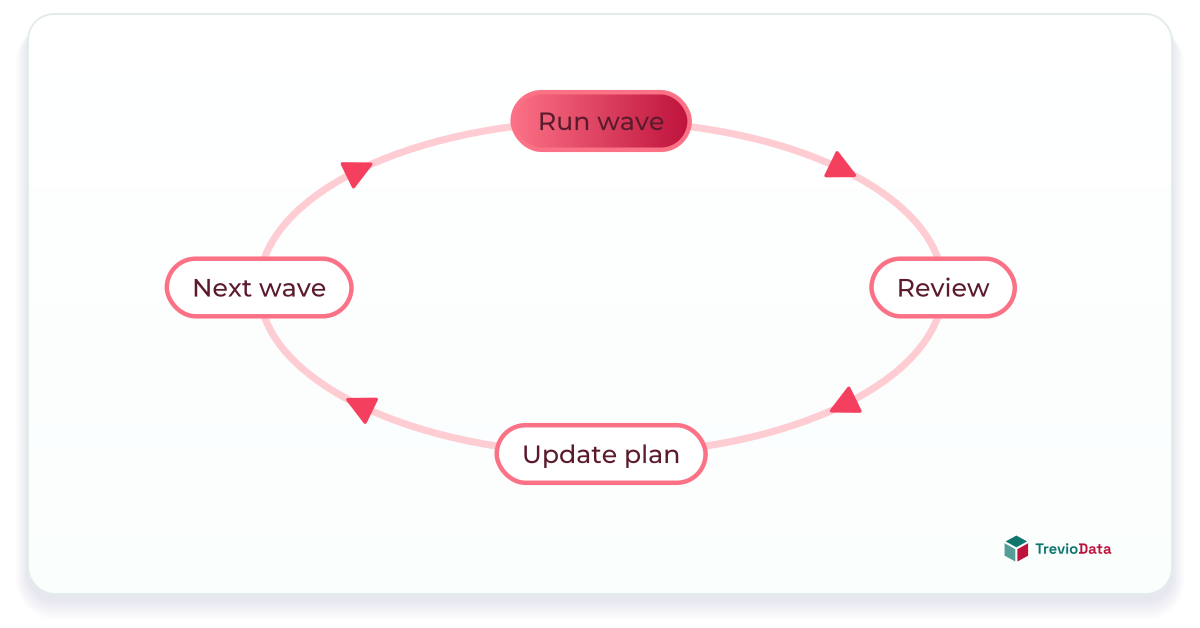
Run a short review after every wave. What took longer than planned, and what does that change for the next one? Improvements compound across waves, and the teams that review each one tend to finish the last waves in a fraction of the time of the first.
Priorities That Change the Strategy
Not every project weighs the same goals. Use this table to see how the main driver changes your choices.
| Main driver | Favor | Watch |
|---|---|---|
| Hard deadline (lease end) | Rehost, small waves, early pilot | Compressed discovery |
| Lower running cost | Retire first, right-size the target | Dual running costs |
| Resilience and uptime | Replication, rehearsed rollback | Network and DNS errors |
| Compliance | Region control, audit trails | Data left on old hardware |
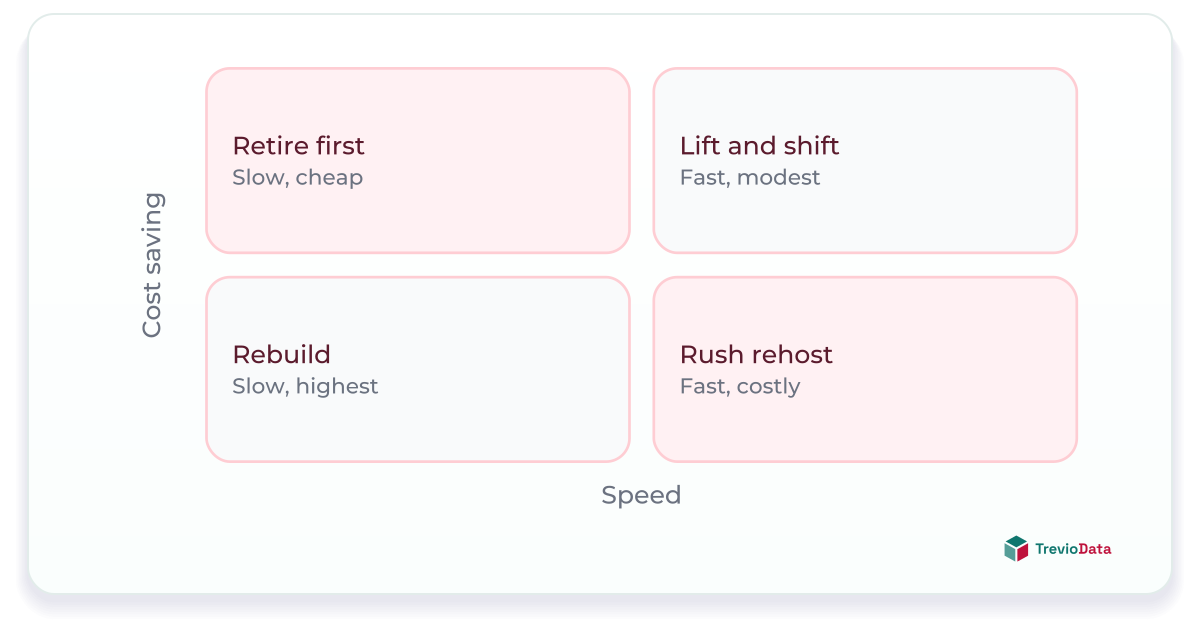
Be honest about trade-offs. When a sponsor asks for the lowest cost, the shortest timeline and zero downtime, I explain that they can pick two, and I show the plan for each pair. That conversation is far easier in phase 1 than in the middle of a failing wave. The habits that protect any version of the plan are in my list of data center migration best practices.
Finally, expect obstacles. Legacy software, missing documentation and shrinking windows appear on nearly every project, and I describe how to handle them in my article on data center migration challenges.
A Sample Timeline for a 300-Server Move
Every site differs, so treat this as a shape and not a promise. The example assumes a mid-sized company moving about 300 servers from an owned room to colocation, with a team of five and a fixed lease end. In my own project experience, the ratio between phases is more stable than the absolute weeks.
| Phase | Typical duration | What is easy to underestimate |
|---|---|---|
| Priorities and limits | 1 to 2 weeks | Getting sponsors to rank goals |
| Discovery and owners | 6 to 10 weeks | Waiting for a full business cycle of traffic |
| Target and approach | 3 to 4 weeks | Finance review and contract negotiation |
| Pilot and wave design | 3 to 5 weeks | Network and identity setup |
| Waves and cutovers | 12 to 20 weeks | Buffers after critical waves |
| Validation and shutdown | 4 to 8 weeks | Contract notice periods and hardware disposal |
The longest single item is discovery, and teams are tempted to shorten it. Resist that. Every week you cut there tends to come back as two weeks of repair during the waves, because a missed dependency surfaces in the middle of a cutover instead of on a diagram.
Plan the calendar backward from your hard date, not forward from today. If the lease ends in twelve months, subtract the shutdown phase first, then the waves, and see how much time is left for discovery. When the number looks too small, you have learned something useful in week one: either the date moves, the scope shrinks or you add people. Each option is a legitimate choice, as long as someone with authority makes it on purpose and writes it down.
Keep a short risk log next to the plan. One line per risk, with an owner, the trigger and the fallback. Review it in the weekly meeting. Teams that do this catch problems such as a late hardware delivery or a vendor change freeze while there is still time to react, and the log also gives the sponsor a clear view of what could move the date.
Strategy Mistakes I See Again and Again
Most of these show up in the first month, and they are cheaper to fix there. The first is writing the strategy for the steering committee instead of the engineers. A strategy full of principles and without a wave plan gives nobody a next step.
The second is treating the target as decided because a vendor was chosen. A vendor choice is a contract, and the strategy should still test whether each system belongs there. I have seen a move to cloud stall in wave four because a latency-sensitive database sat three hundred miles from the application it served.
The third is skipping the exit conditions. For each wave, write down what must be true for the old copy to be switched off, who confirms it and when. Without that, old systems linger and the project never quite ends. The fourth is ignoring people. Your operations team will run the new site, so involve them in the pilot and the runbooks. That also makes the handover at the end a formality, and your documentation will reflect how the work is really done.
Where You Should Begin
If you have no inventory, start at phase 2 and set only rough priorities. If you have an inventory but no target, start at phase 3. If your date is fixed and close, run phases 2 and 4 in parallel and keep the target simple. A short strategy workshop with an outside partner can compress the first three phases into a few weeks.
Questions About Data Center Migration Strategy
What Is a Data Center Migration Strategy?
It is the plan that decides why you are moving, where each system goes, in what order and with what safety net. It covers priorities, discovery, target choice, wave planning, cutover, rollback and shutdown. A good strategy fits on a few pages and is revisited after every wave.
Should I Move to the Cloud, Colocation or a New Site?
Compare the three-year cost and risk of each using real usage data. Steady workloads often cost less in colocation, and variable ones often suit cloud. Many companies end up with a mix, and the strategy should say which system goes where and why.
What Is the Difference Between Rehost, Replatform and Rebuild?
Rehost moves a system as is, replatform makes small changes such as a managed database, and rebuild redesigns it. Rehost is fastest with the lowest risk, and rebuild has the largest long-term benefit with the most schedule risk. Keep rebuilds off the critical path.
How Long Should the Planning Phase Take?
Planning, including discovery, often takes about a third of the total project time. A small move may need weeks, while a large site needs months. Discovery must cover a full business cycle, or you will miss the month-end jobs.
How Do I Handle Systems I Cannot Move Easily?
Look for a way to isolate them, such as moving them last, keeping a link to the old site for a while or planning a longer window. Some systems stay behind in a smaller footprint. Name an owner and a date for each exception so they do not linger.
What Should the Strategy Say About Downtime?
It should list the acceptable downtime for each business area, the approach that meets it, such as replication, and the windows when cutovers may happen. Where the target cannot be met, it should say so and name who accepted the risk.
When Should I Hire Outside Support?
Outside help pays off most in discovery, target choice and cutover design, where experience from earlier moves saves time. Many teams keep operations in-house and use a partner for planning and the first waves, then run the rest themselves.
Note: This article is general information, not legal, financial or tax advice. Figures and examples are estimates based on typical projects, so check current details with your providers and advisers before you decide.
Was this article helpful?
Thank you for letting us know.
Camille leads the Trevio editorial team and works with our consultants to turn real client projects into practical guides on data strategy, engineering and governance. Before joining Trevio, she spent 11 years in data engineering and analytics roles. She has since edited more than 300 articles on data management and reviewed pipelines and platforms from over 100 client projects. She is based in Denver, Colorado.