Key Takeaways
- draw.io and Archi are free, and dbdiagram.io has a free plan, so you can start designing without a license.
- erwin Data Modeler and ER/Studio suit large teams that govern models across many databases, and both cost real money.
- SqlDBM is the cloud-first modeler for Snowflake and BigQuery, but it publishes no prices.
- A diagram is not a model: use Lucidchart, draw.io or Visio to communicate, and a modeling tool or your code as the source of truth.
The Best Data Architecture Tools at a Glance
| Tool | Type | Best for |
|---|---|---|
| 1. erwin Data Modeler | Enterprise data modeling | Large teams with many databases and a modeling standard |
| 2. ER/Studio | Enterprise data modeling | Teams that want modeling plus a shared repository |
| 3. SqlDBM | Cloud data modeling | Cloud warehouse teams who want browser-based modeling |
| 4. dbdiagram.io | Code-based diagramming | Developers who want diagrams from text |
| 5. Lucidchart | Visual collaboration | Mixed teams that need architecture diagrams anyone can edit |
| 6. draw.io | Free diagramming | Anyone who needs free, flexible architecture diagrams |
| 7. Sparx Enterprise Architect | Enterprise architecture modeling | Architects who model across business, data and applications |
| 8. Dataedo | Data catalog and documentation | Teams documenting and cataloging existing databases |
| 9. Microsoft Visio | Diagramming | Microsoft 365 organizations that already use Visio |
| 10. Archi | Open-source ArchiMate | Architects who want a free ArchiMate modeling tool |
The 10 Best Data Architecture Tools, Ranked
I rank the tools by how often they solve a real problem for the teams I meet, and I split them into modelers, diagramming tools and catalogs. Tools matter less than design, and in data architecture consulting projects the decisions about layers and ownership come first. If you have no target design yet, start with my data architecture framework and come back to this list.
erwin Data Modeler
The Heavyweight Choice When Many Teams Share One Governed Set of Data Models
erwin Data Modeler is a long-established tool for designing, documenting and comparing logical and physical data models across many database platforms.
erwin is the tool I meet most often inside large banks, insurers and hospitals, where a data model is a controlled document and not a sketch. You design a logical model first, then generate physical models for Oracle, SQL Server, Snowflake or other targets, and the tool compares versions and generates change scripts.
The strength is reverse engineering and governance of what already exists. In my client work, pointing erwin at a ten-year-old database often produces the first readable picture of it. The trade-off is weight: licenses are not cheap, the interface feels dated next to browser tools, and a small team that only needs a few diagrams will pay for features it never opens.
Pros of erwin Data Modeler
- Reverse engineers existing databases into readable models
- Generates DDL and compares model versions against live schemas
- Supports many database platforms from one logical model
Cons of erwin Data Modeler
- Priced by custom quote and high for small teams
- The desktop interface feels heavy and dated
erwin Data Modeler Pricing
Quest publishes no list price for erwin Data Modeler and sells it by quote. Capterra lists a starting price of $299 per month per feature, with a free trial available, so confirm the current edition and the features you need with the vendor before you plan a budget.
erwin Data Modeler Reviews
- G2: 4.2/5 average (from +140 reviews)
- Capterra: 4.8/5 average (from 10 reviews)
ER/Studio
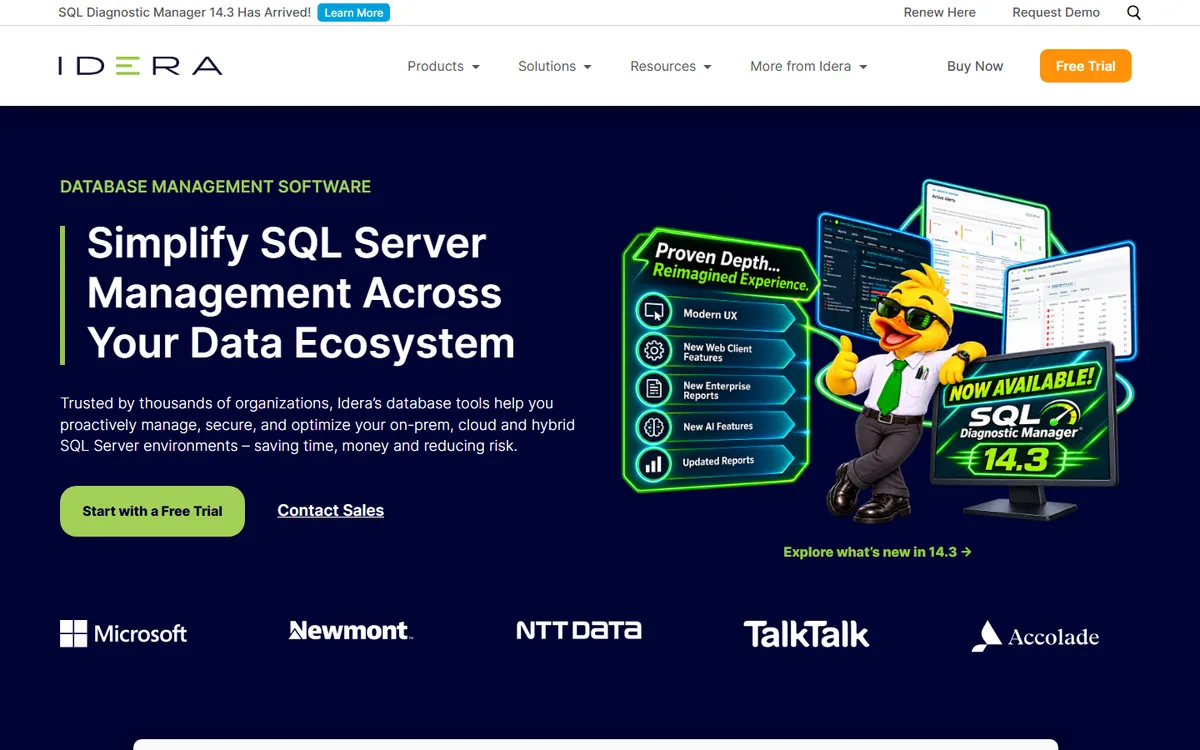
A Strong erwin Rival Built Around a Shared Model Repository and Team Workflows
ER/Studio from Idera is a data modeling suite that adds a shared repository, glossary and metadata features to classic entity-relationship design.
ER/Studio covers the same ground as erwin: logical and physical models, reverse engineering and forward engineering to many databases. Where it stands out is the repository, which lets several modelers check models in and out, and a business glossary that ties terms to the tables that hold them.
I suggest it to teams that already treat modeling as a shared discipline and want change control without extra tooling. The catch is the same as for erwin: it is a desktop-first product with a learning curve, and you pay per seat. If your architects mostly draw high-level diagrams, a lighter tool will serve them better.
Pros of ER/Studio
- Shared repository supports team modeling with check-in and check-out
- Business glossary links terms to physical columns
- Reverse engineers and compares many database platforms
Cons of ER/Studio
- Per-seat pricing adds up quickly for larger teams
- Desktop-first design has a learning curve for new users
ER/Studio Pricing
G2 lists ER/Studio Data Architect Standard at $2,687 per seat per year and Data Architect Pro at $3,693 per seat per year, as provided by the vendor. Enterprise pricing is by quote. Check Idera's site for current prices and for team bundles.
ER/Studio Reviews
- G2: 4.1/5 average (from +23 reviews)
SqlDBM
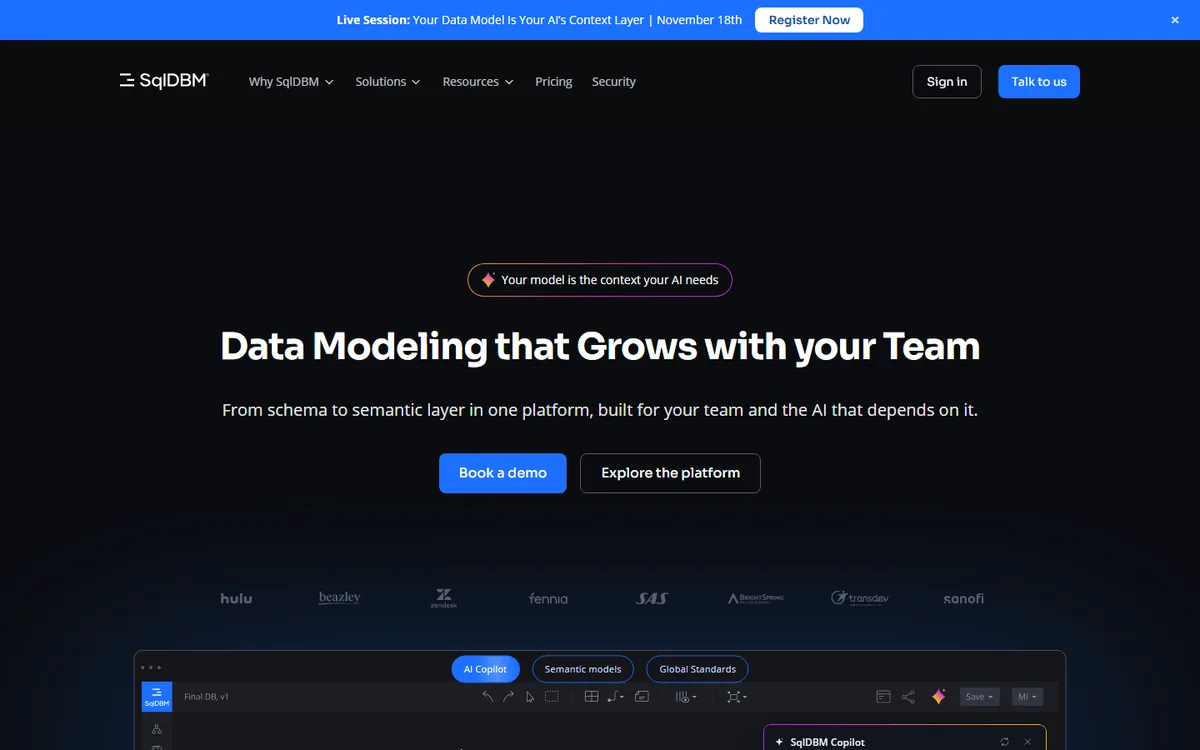
The Browser-Based Modeler Built for Snowflake, BigQuery and Other Cloud Warehouses
SqlDBM is an online database modeling tool that designs, versions and documents schemas for cloud warehouses without installing software.
SqlDBM feels like the modeling tool a cloud team would design today. You open it in the browser, reverse engineer a Snowflake, BigQuery, Redshift or SQL Server schema, and share a link with colleagues. Models can be forward engineered into DDL, and version history keeps track of who changed what.
It fits teams that live in a modern warehouse and want modeling to stay close to the work. I would not pick it for deep enterprise governance across Oracle mainframes, where erwin and ER/Studio are stronger. Plan for the pricing conversation, because the vendor publishes no prices and sells per seat.
Pros of SqlDBM
- Runs in the browser, so setup takes minutes
- Reverse and forward engineering for major cloud warehouses
- Shared models with version history and comments
Cons of SqlDBM
- No public price list, so you must ask for a quote
- Less depth than enterprise tools for legacy platforms
SqlDBM Pricing
SqlDBM does not publish prices. Its pricing page says the price scales with seats, that all features are included without tiers, and that AI credits and premium support are billed separately. You need to request a quote.
SqlDBM Reviews
- G2: 4.5/5 average (from +23 reviews)
dbdiagram.io
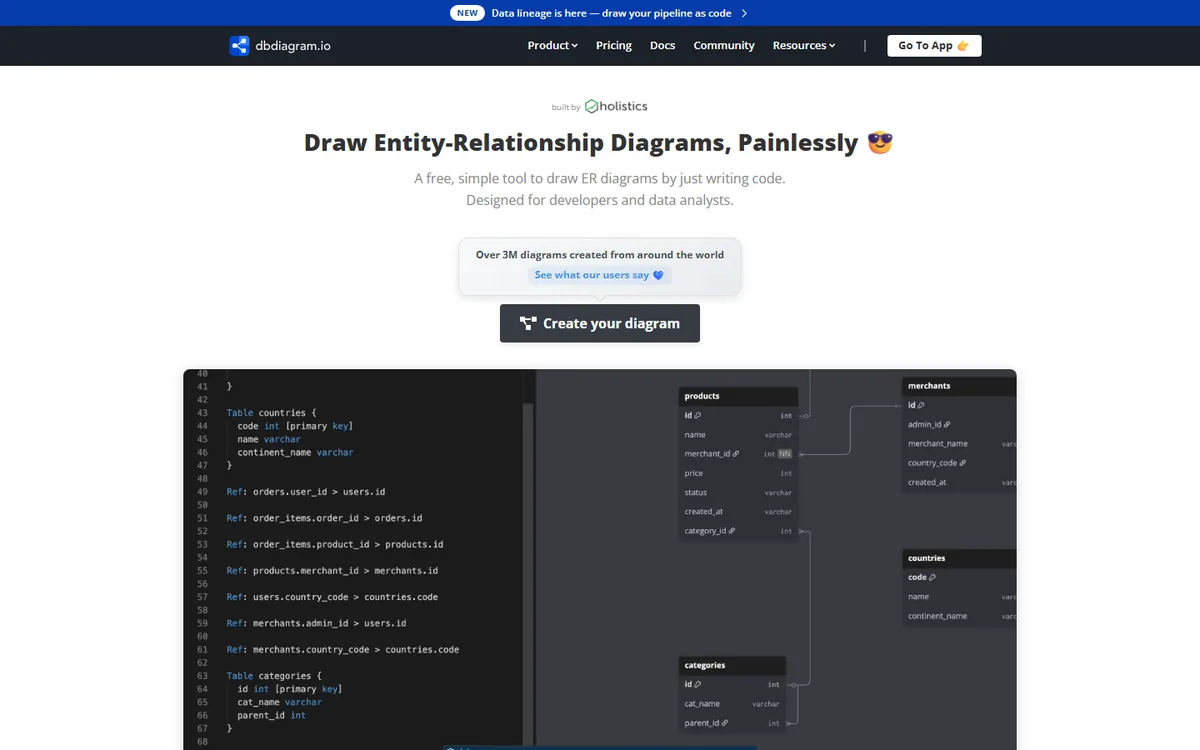
The Fastest Way to Sketch a Database Schema When You Would Rather Type Than Drag Shapes
dbdiagram.io turns a short text description of your tables into an entity-relationship diagram you can share and export as SQL.
You write tables and relationships in a small language called DBML, and the diagram appears next to your text. That makes it quick for a first draft, easy to keep in version control and friendly to developers who dislike drawing tools.
I use it for early design sessions and for explaining a schema to a new colleague in minutes. It is not a governance product: there is no repository, no deep reverse engineering across platforms and little structure for enterprise models. Treat it as a sketchpad that exports clean SQL, and move to a heavier tool when the model becomes a controlled asset.
Pros of dbdiagram.io
- DBML text keeps diagrams easy to write and diff
- Free plan with SQL import and export and PNG, PDF and SVG export
- Fast sharing through public or private links
Cons of dbdiagram.io
- Free plan limits you to 10 projects and a single editor
- Not built for enterprise model governance
dbdiagram.io Pricing
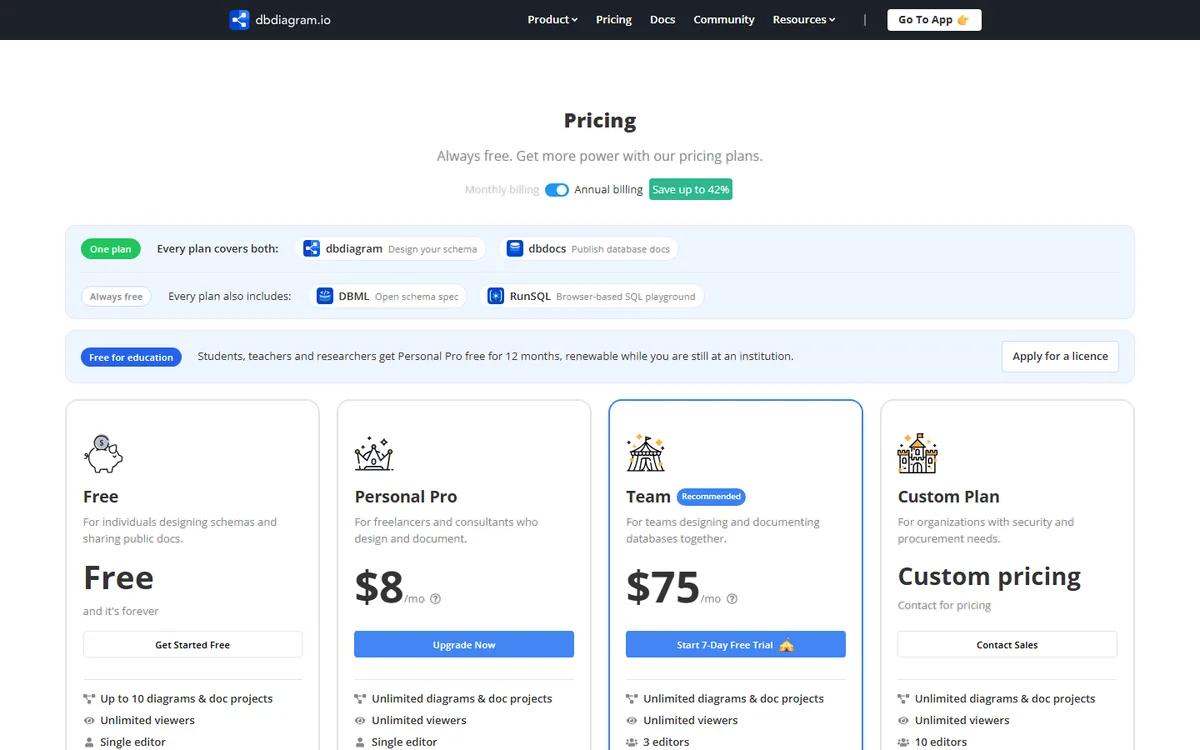
dbdiagram.io has a free plan with up to 10 diagram projects and a single editor. Personal Pro is $8 per month, Team is $75 per month and includes 3 editors with extra editors at $5 per month each, and Custom is quoted by sales. The page does not state whether the listed prices assume annual billing, but it advertises savings of up to 42% on annual plans.
dbdiagram.io Reviews
- G2: 4.3/5 average (from 4 reviews)
Lucidchart
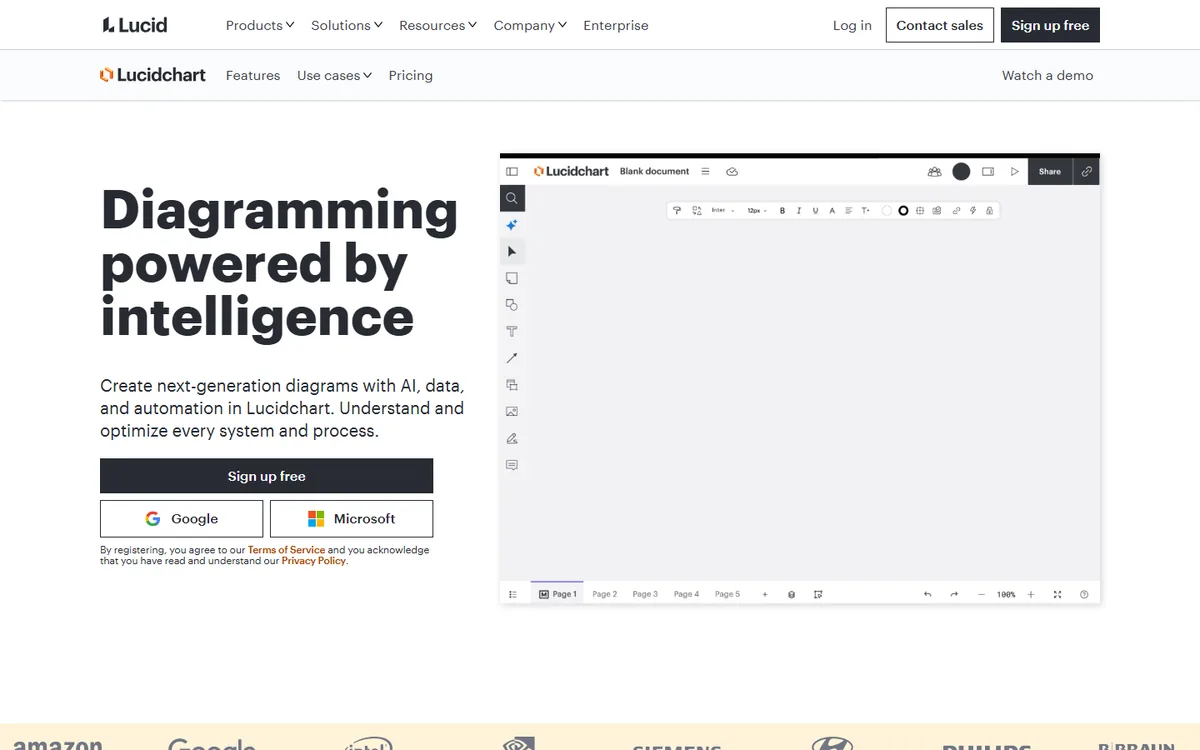
The Easiest Place to Draw Architecture Diagrams That Business and IT Both Understand
Lucidchart is a browser-based diagramming tool with templates for data flows, cloud architecture and entity-relationship diagrams.
Lucidchart is what I recommend when the audience for your architecture is not only engineers. Drag-and-drop shapes, real-time editing and comments make it easy to walk a finance lead through how data moves from source to dashboard. It can also import a database schema and draw the ERD from it.
The limit is that a diagram is not a model. Nothing stops two boxes from disagreeing with the real database, because there is no enforced link between the picture and the schema. Use it for communication, and keep a modeling tool or your code as the source of truth. Performance can also lag on very large diagrams.
Pros of Lucidchart
- Intuitive interface with many templates and real-time collaboration
- Integrates with Confluence, Jira, Slack, Teams and major clouds
- Can import schemas to draw database diagrams
Cons of Lucidchart
- Large diagrams with many editors can slow down
- Diagrams are not tied to live schemas by default
Lucidchart Pricing
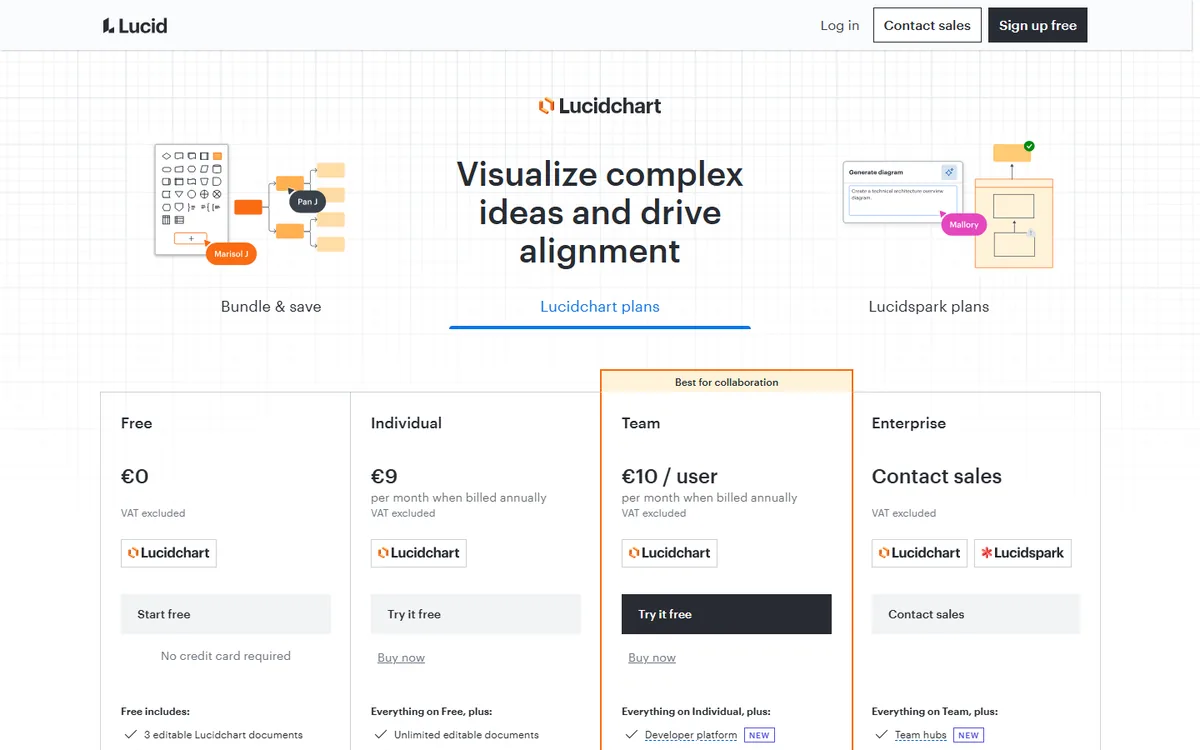
Lucid lists its Individual bundle from $13.50 per month and its Team bundle from $15.00 per month per user, with Enterprise by quote and a free start available. Plan limits change, so check the current page before you buy.
Lucidchart Reviews
- G2: 4.5/5 average (from +9,100 reviews, for the Lucid suite)
draw.io
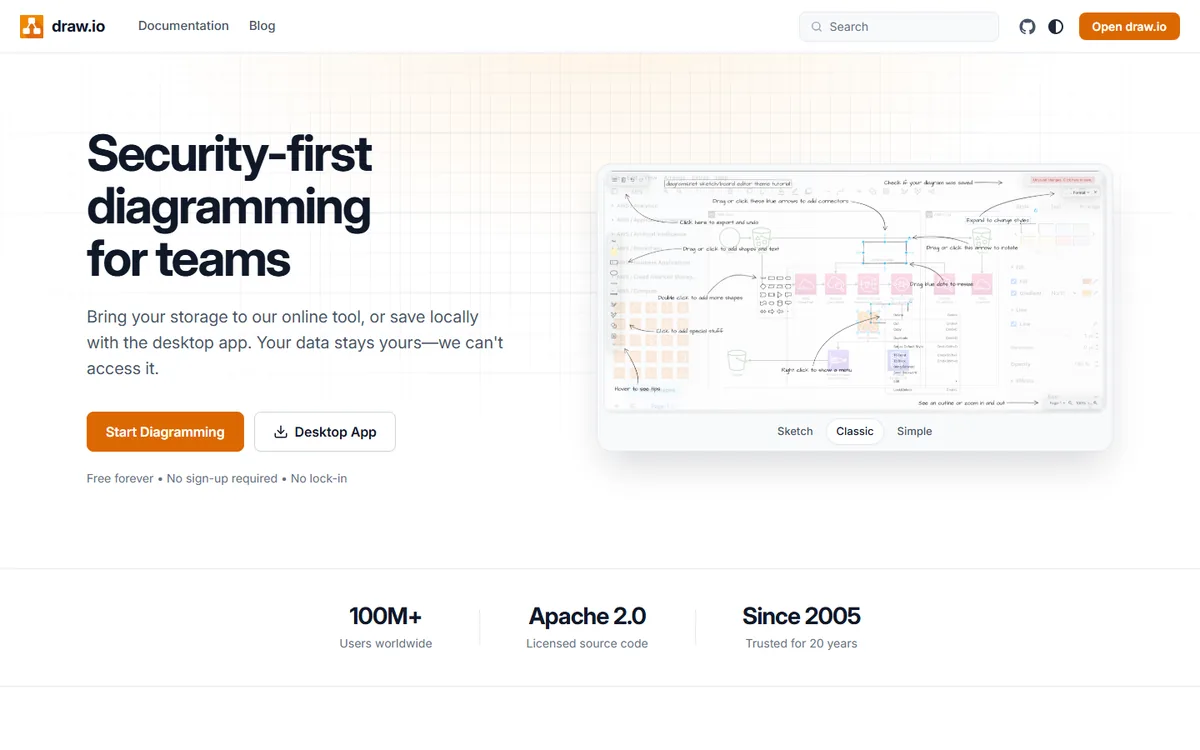
The Free, Open-Source Drawing Tool That Covers Most Architecture Diagram Needs
draw.io (diagrams.net) is a free diagramming tool that runs in the browser or as a desktop app and stores files where you choose.
draw.io costs nothing and does a lot. It has shape libraries for AWS, Azure and Google Cloud, ERD and UML shapes, and it saves to your own drive, GitHub or Confluence. For a team that wants its architecture diagrams in a repository next to the code, that is a real advantage.
Like Lucidchart, it draws pictures and does not manage models. There is no real-time link to your database and collaboration is simpler. I still recommend it more than any paid tool for small teams, because the habit of keeping current diagrams matters more than the software.
Pros of draw.io
- Free forever, with no sign-up or credit card needed
- Apache 2.0 open-source code and local file storage
- Large libraries of cloud and database shapes
Cons of draw.io
- No managed link between diagrams and live schemas
- Collaboration features are simpler than in paid tools
draw.io Pricing
draw.io is free. Its site calls it free forever with no sign-up or credit card, and the source code is open under the Apache 2.0 license. The site does not state prices for the Atlassian apps, so check the Atlassian Marketplace if you plan to use them in Confluence or Jira.
draw.io Reviews
- G2: 4.4/5 average (from +450 reviews)
Sparx Enterprise Architect
A Broad, Low-Cost Modeling Suite for Architects Who Need UML, ArchiMate and Data Models in One Place
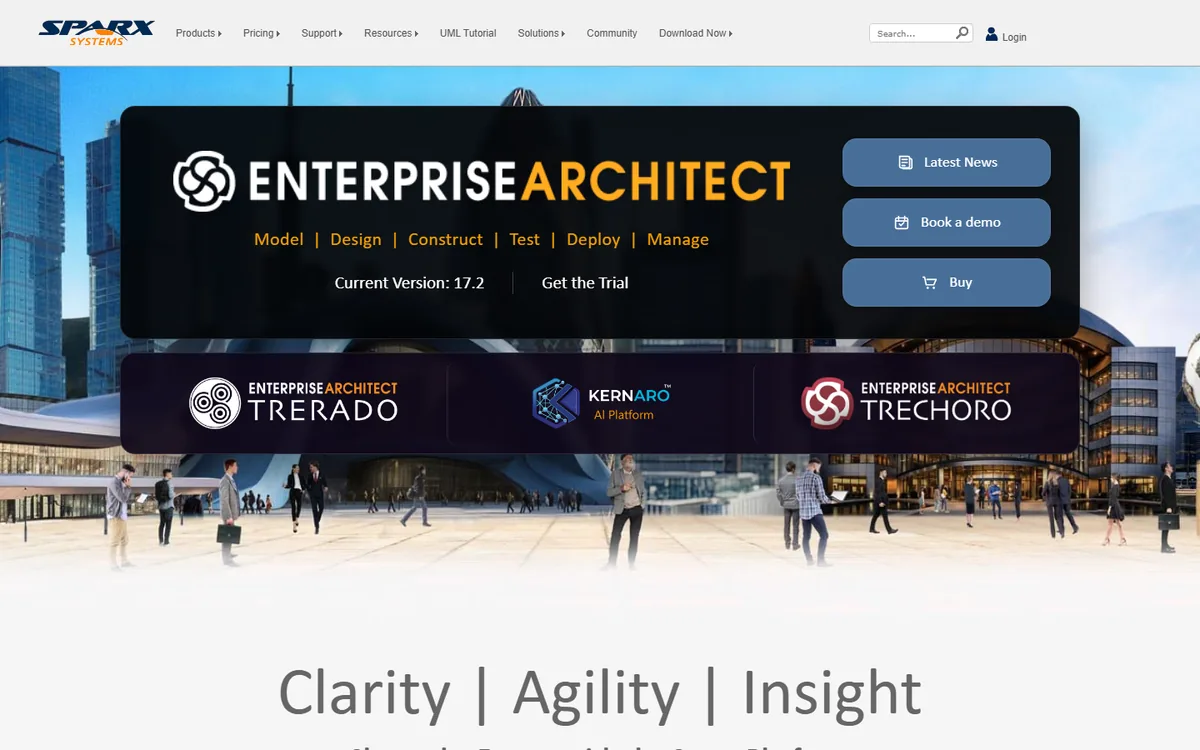
Enterprise Architect is a modeling platform for UML, ArchiMate, BPMN and data models, with a shared repository for architecture teams.
Enterprise Architect is unusual because it is cheap for what it does. You can model business processes, applications and databases in one repository, trace a data entity back to the capability that needs it and generate documentation from the model.
The price of that breadth is usability. The interface is dense, and teams need someone who owns the conventions, or the repository fills up with inconsistent models. I recommend it when your architects already think in UML or ArchiMate and want data modeling in the same place.
Pros of Sparx Enterprise Architect
- Models business, application and data layers in one repository
- Low license cost compared with other enterprise tools
- Generates documentation and traces requirements to data
Cons of Sparx Enterprise Architect
- Dense interface with a steep learning curve
- Needs clear modeling conventions to stay tidy
Sparx Enterprise Architect Pricing
Sparx lists Enterprise Architect named-user licenses at €225 for Professional, €289 for Corporate, €489 for Unified and €679 for Ultimate, with floating licenses costing more. Prices are shown in euros on the EU shop, so check the current price in your currency.
Sparx Enterprise Architect Reviews
- G2: 4.0/5 average (from +25 reviews)
Dataedo
A Practical Way to Document the Databases You Already Run and Keep the Docs Current
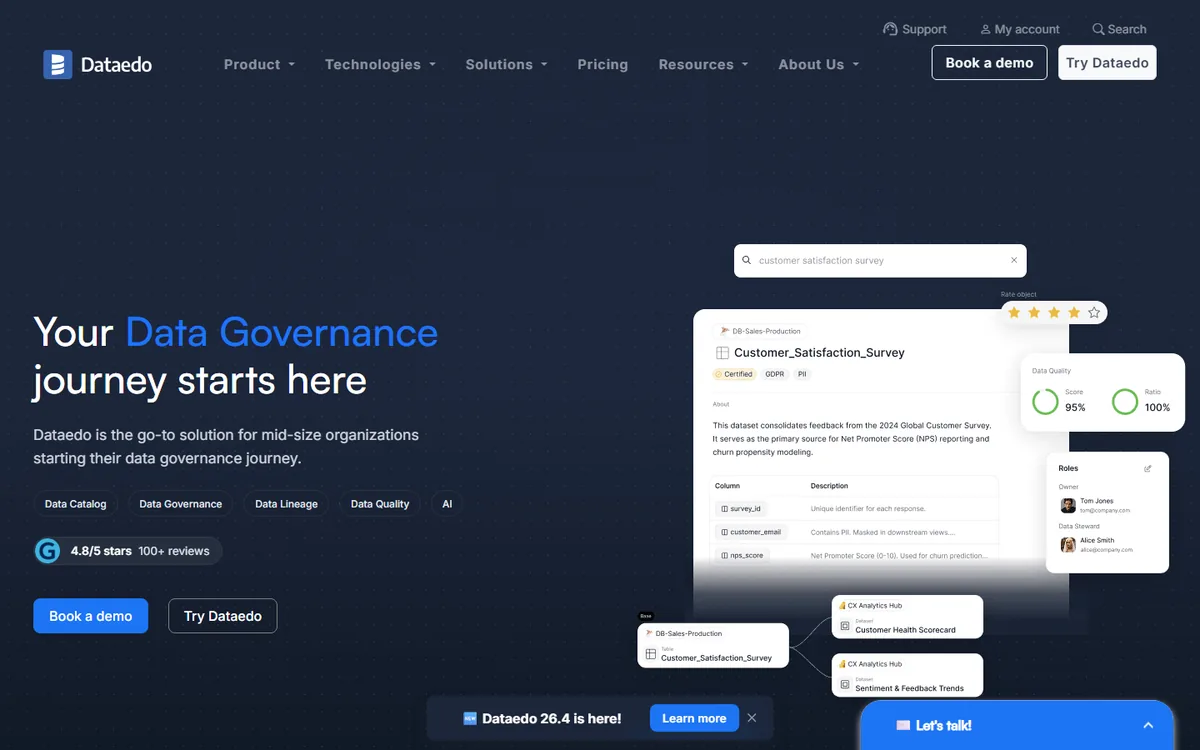
Dataedo scans your databases, builds a data dictionary and ERDs, and adds lineage and quality features in higher plans.
Dataedo starts from what you already have. It connects to databases and BI tools, reads their structure, and gives you a searchable catalog with descriptions, ERDs and a business glossary. For an architect inheriting an undocumented estate, that is a faster start than drawing from scratch.
It is a documentation and catalog tool, not a design tool, and the entry price is firmly in business-software territory. I would not buy it only for diagrams. It makes sense when your problem is that nobody knows what the data means or where it flows.
Pros of Dataedo
- Scans databases to build a dictionary and ERDs quickly
- Unlimited viewers and community users on every plan
- Lineage and quality options in higher plans
Cons of Dataedo
- Annual pricing starts high for small teams
- Not meant for designing new models from scratch
Dataedo Pricing
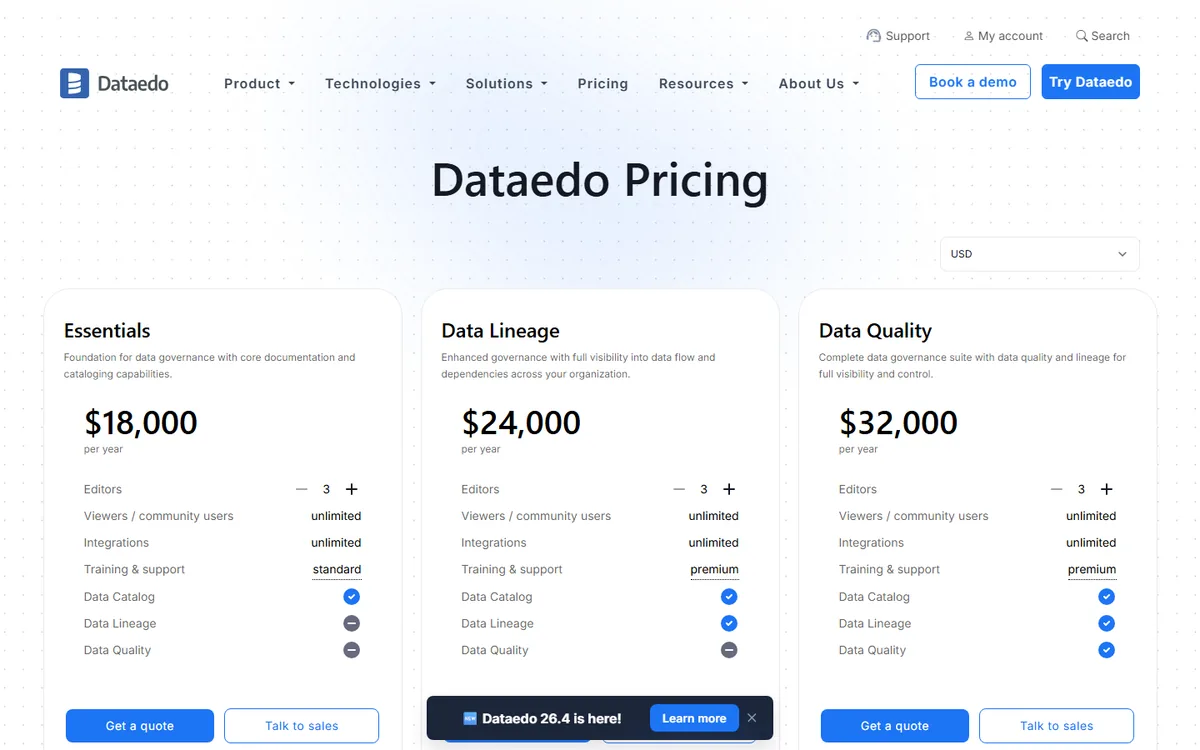
Dataedo lists three annual plans: Essentials at $18,000 per year, Data Lineage at $24,000 per year and Data Quality at $32,000 per year. Each starts at 3 editors and includes unlimited viewers. There is no free plan, but a 14-day trial is available.
Dataedo Reviews
- G2: 5.0/5 average (from 2 reviews, a very small sample)
Microsoft Visio

The Familiar Choice for Microsoft Shops That Want Diagrams Tied to Excel, Power BI and Azure
Visio is Microsoft's diagramming product, with shape libraries for ERDs, Azure and AWS diagrams, and data-linked shapes in the desktop app.
Visio makes sense when your company already lives in Microsoft 365. Diagrams share storage with the rest of your documents, shapes can link to Excel data, and there are templates for Azure and AWS architectures and for database models.
As a pure data architecture tool, it is a drawing product. It will not govern your models or compare them against a live schema the way erwin does. I treat it as a sensible default for communication diagrams inside a Microsoft estate, and I would not choose it first for anything else.
Pros of Microsoft Visio
- Works with Microsoft 365, Teams, Power BI and Azure
- UML and ERD shapes plus Azure and AWS templates
- Data-linked diagrams in the desktop app
Cons of Microsoft Visio
- Data linking works only in the desktop app
- Not a modeling tool with schema comparison
Microsoft Visio Pricing
Microsoft lists Visio Plan 1 at $5.00 per user per month and Plan 2 at $15.00 per user per month, both billed yearly. Plan 2 adds the desktop app and data connectivity. Visio Standard 2024 and Professional 2024 are sold without a subscription.
Microsoft Visio Reviews
- G2: 4.2/5 average (from +693 reviews)
Archi
The Free ArchiMate Tool for Showing How Data Supports Business and Applications
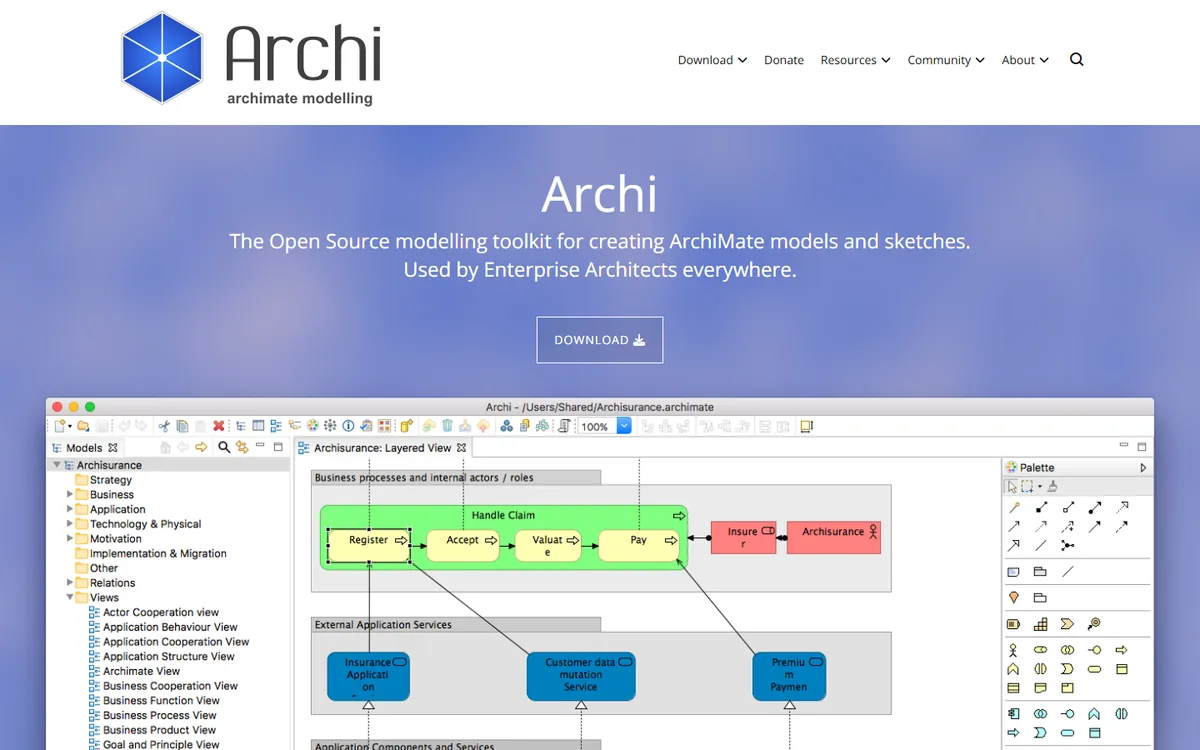
Archi is an open-source toolkit for creating ArchiMate models and sketches that show how business, applications and technology connect.
ArchiMate is the standard notation for enterprise architecture, and Archi is the free tool most people learn it with. You draw capabilities, applications and data objects and show which depends on which. For data architecture, that is the view that answers the question of which systems own which data.
It does not design database tables, and it has no live link to your schemas. I use it for the top layer of an architecture, the map that sits above the data models, and I pair it with a modeling tool underneath. Collaboration is basic unless you add scripting or a shared file workflow.
Pros of Archi
- Free to use, with development and support offered at no cost
- Clean ArchiMate support on Windows, macOS and Linux
- Good for capability and application maps
Cons of Archi
- No database modeling or schema generation
- Collaboration is basic compared with commercial suites
Archi Pricing
Archi is free to use. Its site says all development work and support is done for free and invites voluntary donations through PayPal or Patreon.
Archi Reviews
I could not find a published G2 or Capterra rating for Archi, so I do not list one.
Estimate the Return on a Data Architecture Tool
Before you pick a plan, check whether the numbers work for you. Enter the manual hours the tool should remove, for example time spent redrawing diagrams or hunting for the right table, and the monthly price of the tool you are considering. You will see what it could return in a year. Most savings come from fewer design mistakes and faster onboarding, which I cover in my data architecture best practices.
Will the Tool Pay Off for You?
Move the sliders to match the work you want to automate and the plan you are considering.
How to Choose the Right Data Architecture Tool
In my experience, the size of your team and the number of platforms decide more than any feature list. Before you compare vendors, I suggest you answer four questions:
- Who must read the diagrams, engineers only or also business leaders?
- How many databases and platforms do you need to model, and how old are they?
- Do you need a shared repository with version control, or is a file in Git enough?
- Do you need to compare your model against a live schema?
If you are small, draw.io plus dbdiagram.io covers most needs for free. If you run one cloud warehouse, SqlDBM is a sensible step up. If you govern models across a large estate, erwin or ER/Studio earn their price. Whatever you choose, tie it to a written plan such as the one in my data architecture strategy guide and a dated data architecture roadmap, because a tool without a plan produces tidy pictures of the wrong thing.
Questions About Choosing Data Architecture Tools
What Are the Best Free Data Architecture Tools?
draw.io and Archi are free. draw.io is an open-source diagramming tool for data flows, cloud diagrams and ERDs, and Archi is an open-source ArchiMate modeler for the business and application layers. dbdiagram.io has a free plan with up to 10 projects and a single editor. Free tools cover sketching and communication well, and you pay for repositories, schema comparison and governance.
What Is the Difference Between Data Modeling and Data Architecture Tools?
A data modeling tool such as erwin, ER/Studio or SqlDBM designs the structure of databases and can generate or compare schemas. A data architecture tool also covers the bigger picture: which systems exist, how data flows between them and who owns it. In practice you use both, for example Archi or Lucidchart for the map and a modeling tool for the tables.
Do I Need an Enterprise Tool Like Erwin or ER/Studio?
Only if many people share governed models across several database platforms. For one team on one cloud warehouse, SqlDBM, dbdiagram.io or even diagrams stored in a repository are enough. I suggest you start light and move up when version control, glossary links or schema comparison become real needs.
Can I Use Lucidchart or Draw.io Instead of a Modeling Tool?
You can for diagrams, and many teams do. The risk is drift, because the picture is not connected to the real schema. If you go this route, assign an owner, review the diagrams on a schedule and treat your database or code as the source of truth.
How Much Do Data Architecture Tools Cost?
The range is wide. Free tools cost nothing, Visio starts at $5 per user per month, Lucid lists plans from $13.50 per month, and Enterprise Architect named licenses start at €225. ER/Studio lists seat prices in the thousands of dollars per year, and Dataedo lists annual plans from $18,000. Several vendors, including erwin and SqlDBM, sell by quote. Always confirm on the vendor site.
Which Tool Is Best for Snowflake or BigQuery?
SqlDBM is built around cloud warehouses and reverse engineers Snowflake, BigQuery and Redshift schemas in the browser. dbdiagram.io also works well for quick designs. Larger teams with several platforms often prefer erwin or ER/Studio.
Should a Small Business Buy a Data Architecture Tool at All?
Probably not at first. A free diagramming tool, a shared naming guide and a short written standard get you most of the value. Buy a paid tool when you have several people changing models and mistakes start to cost you time. If you want a second opinion on your setup, a short review with a consultant is cheaper than a wrong license.
Heads up: vendors change prices, plans and ratings often. Everything was checked at the last update date, but confirm on each vendor’s website first. This article is not legal or financial advice.
Was this article helpful?
Thank you for letting us know.
Camille leads the Trevio editorial team and works with our consultants to turn real client projects into practical guides on data strategy, engineering and governance. Before joining Trevio, she spent 11 years in data engineering and analytics roles. She has since edited more than 300 articles on data management and reviewed pipelines and platforms from over 100 client projects. She is based in Denver, Colorado.