Key Takeaways
- Keep raw data unchanged and build clean layers on top, so you can always rebuild.
- Model around business entities and write one definition per metric.
- Test every load and track cost by team, because trust and budget break first.
- Name an owner for every table and document it where people work.
The warehouses I get asked to rescue are rarely broken in a dramatic way. A metric has two definitions, a nightly load doubles one day of revenue, a query scans a whole table every hour and the bill creeps up. These are habit problems, and good data warehouse consulting mostly means installing the habits early.
Below are ten practices I apply on nearly every project, each with a short explanation and a do and avoid pair. The table shows the whole set at a glance, and you can read the details in any order.
The Ten Practices at a Glance
| Practice | Problem it prevents | First step |
|---|---|---|
| 1. Layer your data | Lost history, tangled logic | Create raw, staging and mart schemas |
| 2. Model around the business | Tables that mirror source quirks | List core entities and dates |
| 3. One definition per metric | Departments quoting different numbers | Write down revenue and customer |
| 4. Test every load | Wrong numbers that look fine | Add key and freshness tests |
| 5. Make loads rerunnable | Duplicates after a failure | Replace inserts with merges |
| 6. Load incrementally | Slow jobs and high bills | Find a reliable change marker |
| 7. Track cost by team | Surprise invoices | Tag compute and set budgets |
| 8. Control access by role | Sensitive data seen by everyone | Map roles to schemas |
| 9. Version everything | Risky edits to production | Move code to Git |
| 10. Name owners and document | Orphaned tables nobody trusts | Add an owner to every mart table |
The 10 Data Warehouse Best Practices, With Do’s and Don’ts
If your warehouse is already live and people distrust it, start with practices 3 and 4. If you are building new, take them in order.
1. Layer Your Data and Keep Raw Untouched
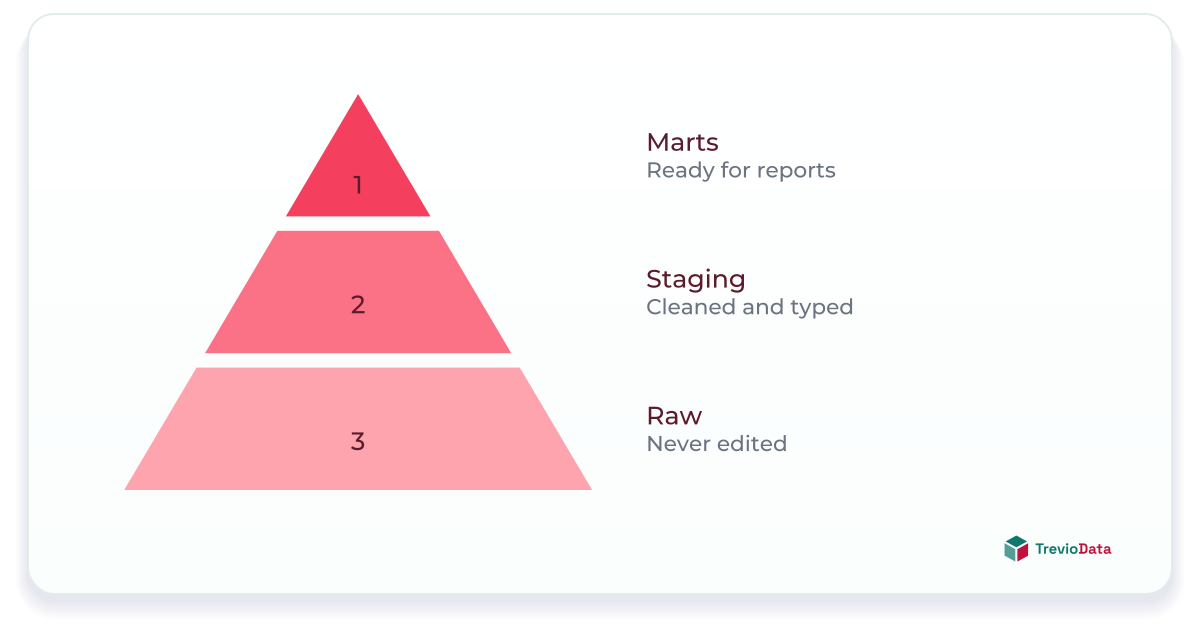
Load source data into a raw layer exactly as it arrived, clean it in a staging layer and build business-ready tables in a mart layer. Each layer has one job. When a rule changes or a bug turns up, you rebuild from raw instead of asking a source system for an export that may no longer exist.
On one retail project a supplier changed a date format and our staging logic broke. Because raw files were untouched, we fixed the parsing and replayed three weeks of data in an afternoon.
- Do this: Give raw tables read access to pipelines only, and name layers clearly.
- Avoid this: Overwrite raw tables with cleaned values, or drop columns at load time because nobody uses them yet.
2. Model Around Business Entities, Not Source Tables
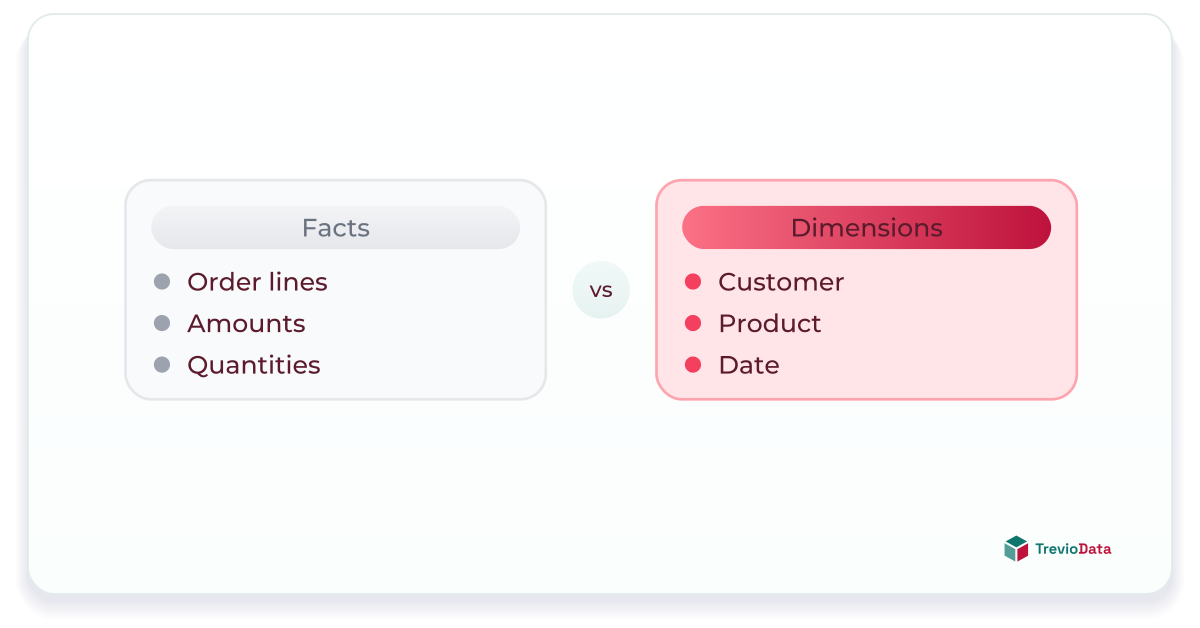
Shape marts around customers, orders, products and dates. A star schema, with facts for events and dimensions for descriptions, keeps joins simple and lets BI tools behave. The model should follow the way people ask questions, not the way the CRM stores data.
A good test is to ask an analyst a new question. If the answer needs a join across six source tables, the model is not finished.
- Do this: Use surrogate keys and a proper date dimension, and keep grain consistent in each fact table.
- Avoid this: Mix daily and monthly rows in one table, or copy a source schema as your mart.
3. Write One Definition per Metric
Revenue, active customer and churn each need a written definition with a formula, a source and edge cases. Put the definition in a shared model and have every dashboard use it. When someone wants to change it, that becomes a recorded decision.
I have sat in meetings where sales and finance quoted revenue figures 11 percent apart, both correct under their own rules. A one-page definition ended that meeting and the next five.
- Do this: Name an owner for each metric, usually the head of finance or the department that depends on it most.
- Avoid this: Let each analyst calculate a metric in their own report.
4. Test Data on Every Load
A job that finishes without an error has only proven the code ran. Tests prove the data makes sense: keys are unique, required columns are filled, row counts are close to yesterday's and data arrived on time. Reconcile key totals against the source on every refresh.
Tests also help in conversations with source owners. When you can show that a customer ID was empty on four percent of rows after their release, the fix gets prioritized.
- Do this: Start with the five most-used tables and add a test whenever an incident teaches you something.
- Avoid this: Write hundreds of checks nobody reads, or let tests fail for weeks until alerts are ignored.
5. Make Every Load Safe to Rerun
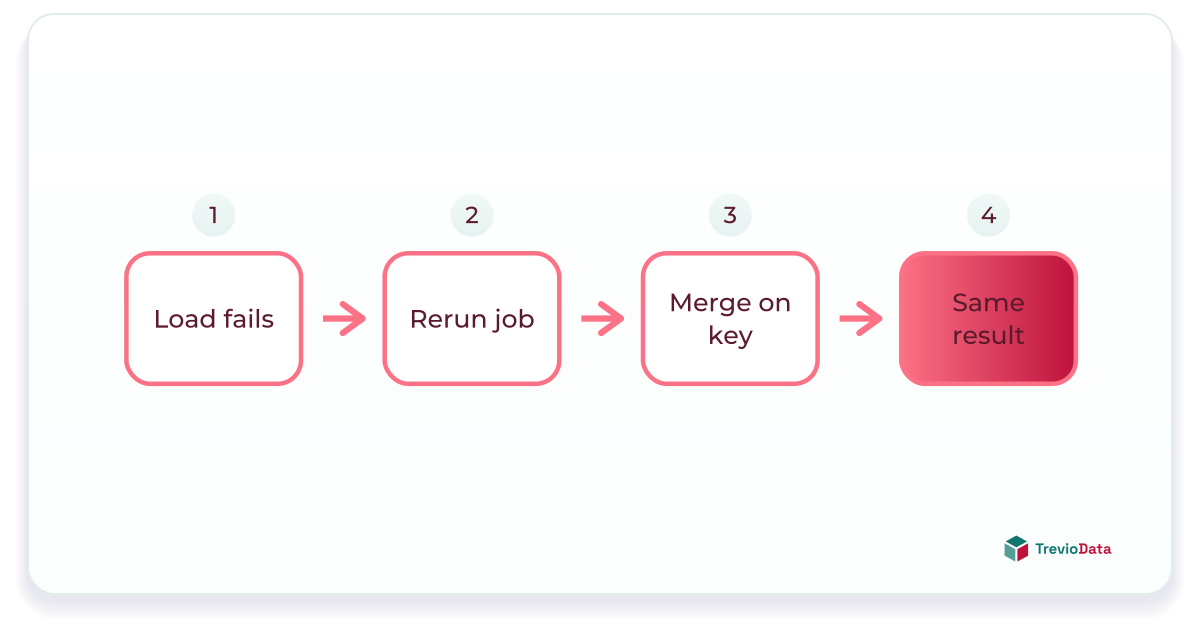
Jobs fail at two in the morning, and the fix is usually a rerun. If a rerun duplicates rows, someone cleans up by hand. Design each load so that running it twice for the same period gives the same result, by overwriting a partition or merging on a stable key.
A job that appends yesterday's orders and fails halfway is a classic trap. After a rerun, orders double and finance notices a week later. A merge on the order ID removes that whole class of problem.
- Do this: Run the same load twice in a dev environment and compare row counts.
- Avoid this: Use plain inserts with no key, or logic that depends on the time the job started.
6. Load Incrementally Where It Pays
Reloading a full table every night is simple and expensive. Where a source has a reliable updated-at column, load only new and changed rows, and partition large tables by date so queries read less. Small tables can stay on full reloads, so save the effort for the large ones.
The trap is a deleted row. Incremental loads do not see deletions unless the source marks them, so plan a periodic full comparison for important tables.
- Do this: Partition fact tables by date and cluster them on the columns people filter by.
- Avoid this: Use select-star queries on wide tables in dashboards.
7. Track Cost by Team and Review It Monthly
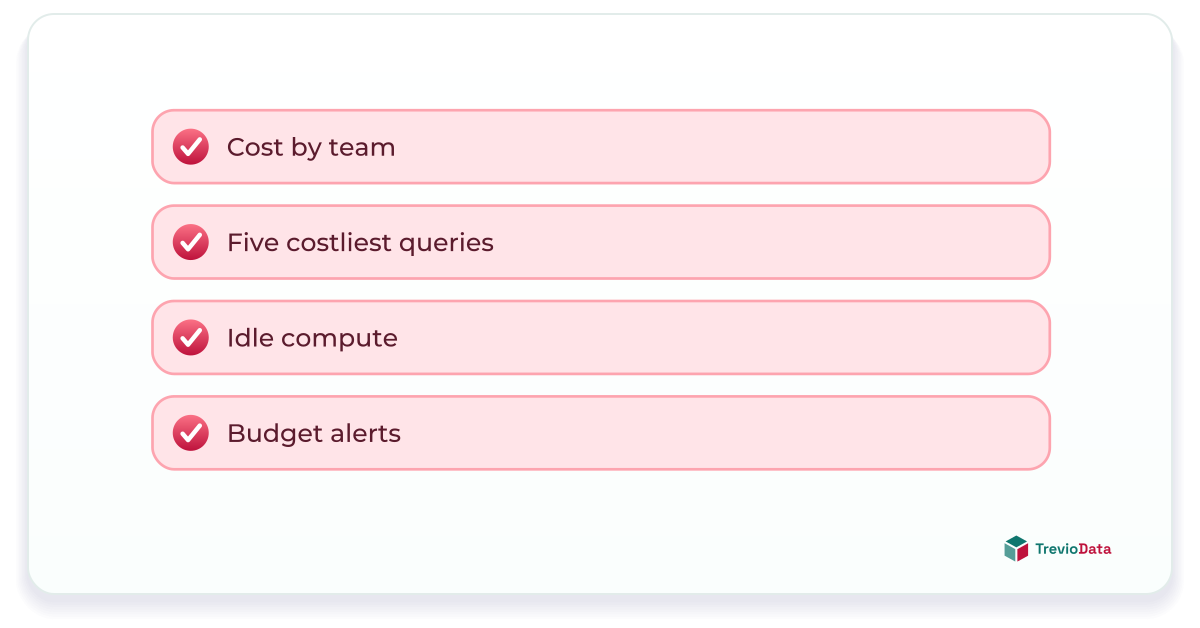
Cloud warehouses bill for what runs, and the invoice rarely says who caused it. Tag compute by team and pipeline, set budgets with alerts and shut idle compute down automatically. Cost belongs in the same monthly review as freshness and errors.
In my client work the five costliest queries often account for a large share of the bill. Fixing those is quicker than any platform switch. My article on data warehouse cost breaks down where the money goes.
- Do this: Review the top five queries with their owners every month.
- Avoid this: Leave oversized compute running overnight, or give every user admin rights on compute.
8. Control Access by Role
Map roles to schemas, not people to tables. Give analysts read access to marts, engineers write access to staging and nobody write access to raw outside the pipeline. Mask or encrypt sensitive columns such as health or payment data, and log who reads them.
Check your legal team's requirements for personal data before you load it. Rules differ by industry and country, and I treat them as constraints on design, not as an afterthought.
- Do this: Review access every quarter and remove accounts of people who left.
- Avoid this: Share one service account across teams, or copy sensitive data into a personal schema.
9. Version Everything and Use Separate Environments
Models, tests, schedules and infrastructure belong in Git, and changes should go through review. A development and a production environment let you try a change on real-shaped data without touching the numbers the business reads. During migrations, run old and new side by side and switch dashboards once the numbers agree.
- Do this: Run tests automatically on every pull request and deploy from the main branch only.
- Avoid this: Edit production queries in a browser console, or keep the only copy of a script on a laptop.
10. Name an Owner for Every Table and Document It Where People Work
Orphaned tables are where trust goes to die. Every mart table needs an owner, a description and a refresh schedule that people can see in their BI tool or catalog. Documentation can be generated from the models, which keeps it current with little effort.
A one-page note per area is enough: source, owner, schedule, tests and what to do when it breaks. Write it once and update it whenever you change the model.
- Do this: Retire tables nobody has queried in a year after announcing it.
- Avoid this: Write long documents that live in a folder nobody opens.
Which Practice to Adopt First
You do not need all ten at once. In my client work this order removes the most pain per week of effort:
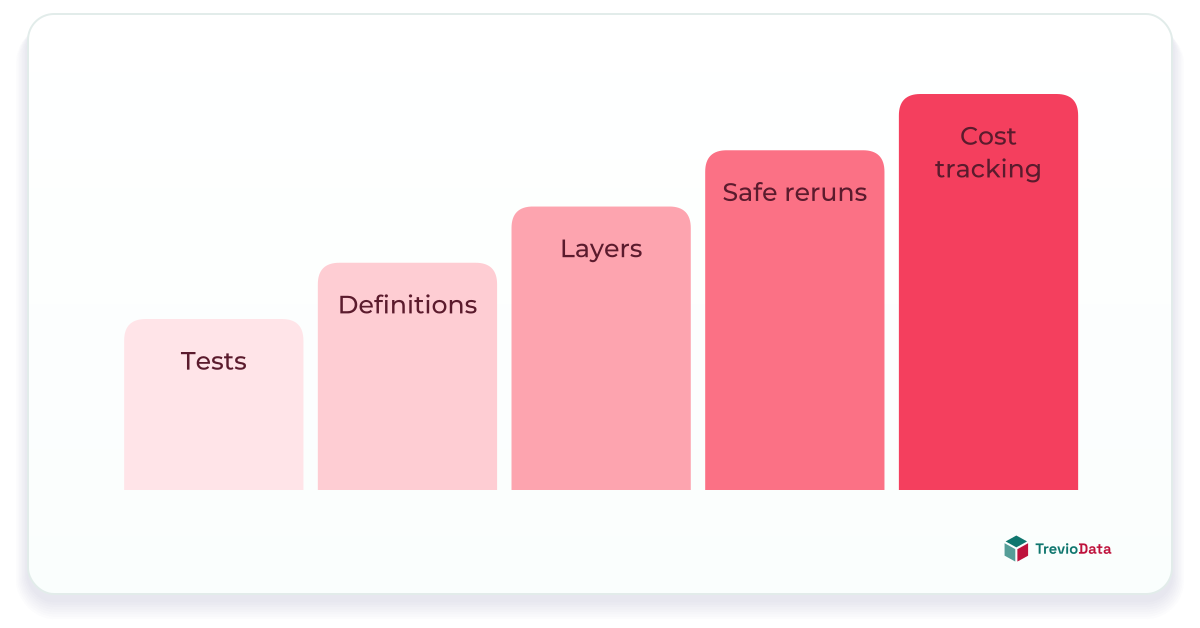
- First, Git, environments and tests on the five tables the business reads most.
- Second, one definition for each headline metric, signed by its owner.
- Third, rerun-safe loads on the jobs that fail most often.
- Fourth, cost tags, budgets and incremental loads on the costliest jobs.
- Fifth, role-based access and documentation, written as you touch each area.
If you are choosing platforms that support these habits, my ranking of data warehouse tools shows which handle cost controls and testing well. The data warehouse implementation plan shows where each habit fits in a rollout.
When Best Practices Meet an Old Warehouse
Every team has old tables that break these rules. Rewriting everything at once rarely works. Apply the habits to new work first, then to old pipelines when they fail or need changes. Over six to twelve months the worst parts get fixed without a big-bang rewrite.
Habits also work best when they serve a plan. The best practices are easier to enforce once you have agreed a data warehouse strategy that says who owns what, and a clear list of data warehouse use cases that the warehouse must support.
Measure progress with three numbers: how many incidents reached the business before your team saw them, how long a typical fix took and what the warehouse cost per month. If all three fall over a quarter, the habits work. If one rises, look at the area behind it and apply the matching practice there.
Picking a Place to Begin in Your Own Team
Look at your last three incidents and ask what would have caught each. If a test would have, begin there. If nobody noticed for hours, begin with alerts. If a rerun caused a second problem, begin with safe loads. Your own history is a better guide than a generic list, and a short audit can map it for you.
Questions About Data Warehouse Best Practices
What Are the Most Important Data Warehouse Best Practices?
Four give the biggest return: keep raw data unchanged, model around business entities, test every load and track cost by team. Version control, documentation and named owners come right after those.
Should I Use a Star Schema or One Big Table?
Use a star schema for your core models, because it keeps definitions in one place and works well with BI tools. Wide denormalized tables are fine as a final layer for a specific dashboard, as long as they are built from the star schema and not from raw data.
What Is the Medallion or Layered Approach?
It is a naming pattern for layers: raw data as loaded, cleaned data, then business-ready tables. Names differ by team, such as bronze, silver and gold or raw, staging and marts. The point is that each layer has one job and one set of rules.
How Often Should a Warehouse Refresh?
As often as the decisions that use it. Daily is enough for most reports. Hourly or streaming loads cost more and are worth it for operations such as inventory or fraud. Ask the report owner what they would do differently with fresher data.
How Do I Keep Warehouse Costs Under Control?
Tag compute by team, set budgets with alerts, shut idle compute down automatically and review the five costliest queries each month. Partition large tables and select only the columns you need.
Is It Worth Keeping All History Forever?
Keep raw history as long as it is cheap to store and might be needed to rebuild models. Move old data to cheaper storage tiers and delete what you have no right or reason to keep. Retention rules for personal data should come from your legal team.
How Do I Handle Changing Source Systems?
Agree a data contract with the source team: column names, types and a notice period for changes. Add tests that fail loudly when a column disappears, so you hear about it from a test, not from a manager.
Note: This article is general information, not legal, financial or tax advice. Figures and examples are estimates based on typical projects, so check current details with your providers and advisers before you decide.
Was this article helpful?
Thank you for letting us know.
Camille leads the Trevio editorial team and works with our consultants to turn real client projects into practical guides on data strategy, engineering and governance. Before joining Trevio, she spent 11 years in data engineering and analytics roles. She has since edited more than 300 articles on data management and reviewed pipelines and platforms from over 100 client projects. She is based in Denver, Colorado.