Key Takeaways
- Implement in eight steps, from environments to handover, and finish each step with a check you can demonstrate.
- Build one thin slice first, so you test every layer before you add volume.
- Run old and new systems side by side through a full month-end before you switch.
- Plan for delays in access, definitions and testing, because they hit almost every rollout.
Implementation is where a platform plan meets real source systems, real passwords and real month-end deadlines. For a team that wants hands-on help with the rollout, data platform consulting covers the same steps. If you are still deciding what to build, start with the plan in my data platform strategy guide, then come back here.
The sequence below comes from rollouts that ran on time and a few that did not. Each step is short, because the useful part is the order and the check at the end.
The Rollout on One Page
| Step | Typical time | Done when |
|---|---|---|
| 1. Set up accounts and environments | 1 to 2 weeks | Dev and prod exist, code lives in version control |
| 2. Get access to sources | 1 to 4 weeks, in parallel | Read-only credentials work for each source |
| 3. Load raw data | 1 to 3 weeks | Row counts match the source within an agreed margin |
| 4. Model the business tables | 2 to 4 weeks | Finance signs off on key definitions |
| 5. Add tests and monitoring | 1 to 2 weeks | Alerts reach a named person |
| 6. Lock down access | 1 week | Roles reviewed, sensitive columns masked |
| 7. Run in parallel and cut over | 4 to 6 weeks | Reports switched, old system read-only |
| 8. Hand over and train | 2 weeks | Owners run the platform without you |
Steps overlap, and the totals depend on your size. A mid-sized company with a handful of sources should expect two to four months for a first slice, if access arrives on time.
Step 1: Environments and Accounts
Create the cloud account, the platform workspace and at least two environments, development and production. Put every piece of code in version control from the first commit, including SQL models and infrastructure settings. Turn on budgets and alerts now, while the bill is still small.
Decide naming rules for databases, schemas and tables on day one. Renaming later breaks reports and wastes a week.
Step 2: Access to Source Systems
Start this in week one and run it in parallel with everything else. Vendor tickets, security reviews and firewall changes routinely take two to four weeks. In one rollout, a single billing system held the project up for five weeks because the API key needed a contract amendment.
Ask for read-only credentials, store them in a secrets manager and write down who approved each one. Where a source cannot be reached directly, agree on a scheduled file export as a fallback.
Step 3: Load Raw Data and Check It
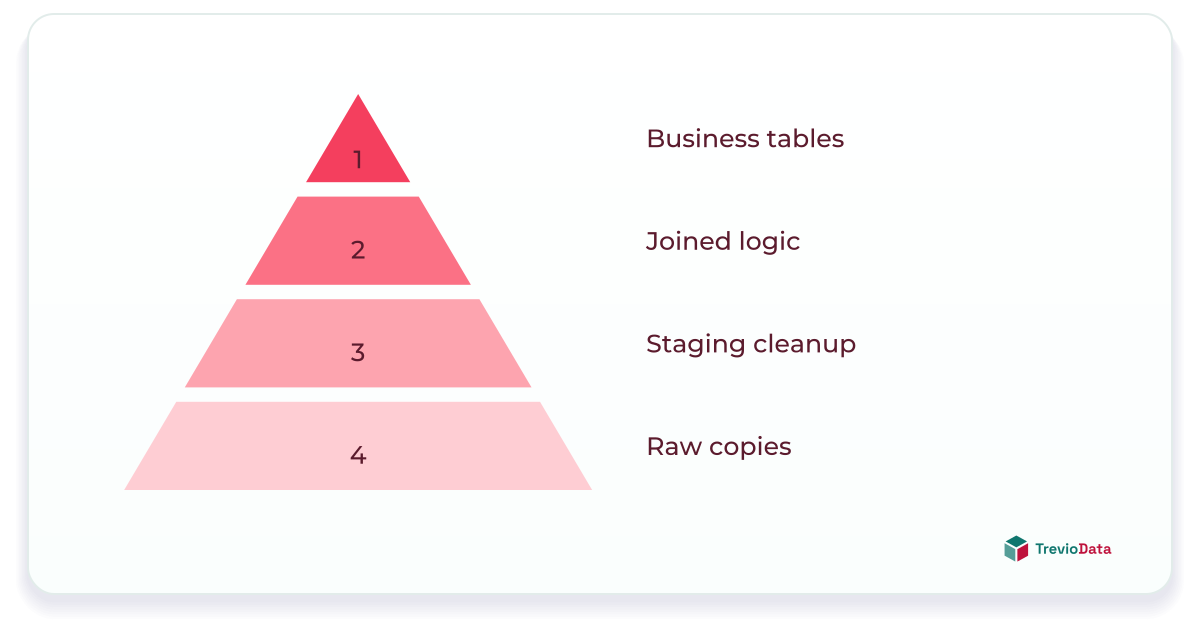
Land data in a raw layer that you never edit. Keeping the original lets you rebuild any table when a rule changes, without going back to the source. Choose full loads for small tables and incremental loads for large ones. The tools that do the loading are compared in my list of data platform tools.
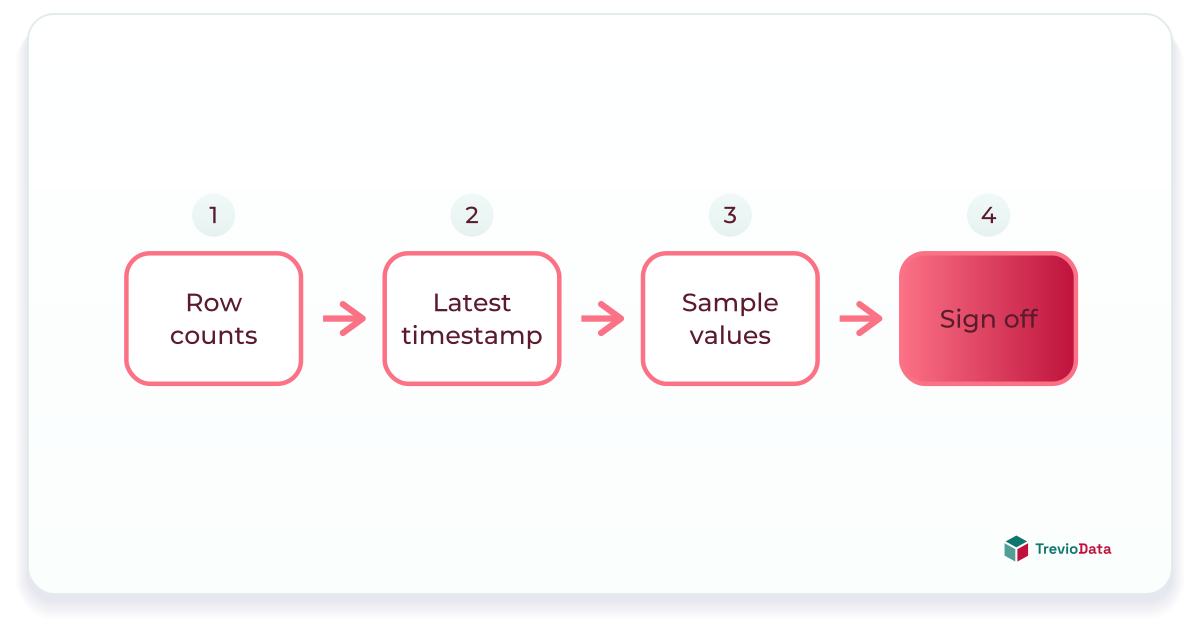
Check each load the same way: row counts, latest timestamp and a few spot comparisons with the source. If the source has 1,204,331 rows and the raw table has 1,204,300, find the missing 31 before you move on.
Step 4: Model the Business Tables
Turn raw records into the tables people ask about: customers, orders, products, revenue. Write each model as SQL in version control, name the owner and write down the definition in one sentence. Revenue is a good test. If sales and finance cannot agree on it in a half-hour meeting, you have found the most valuable fix in the project.
Keep the model layers simple. A staging layer that cleans names and types, and a business layer that holds the joined tables, is enough for a first slice. Add more layers only when a real problem calls for them.
Step 5: Tests and Monitoring
Four kinds of check cover most failures:
- Freshness: did the data arrive when it should have?
- Volume: did the row count fall or jump unexpectedly?
- Uniqueness and keys: are there duplicates in the customer or order table?
- Values: are amounts, dates and statuses inside sensible ranges?
Send alerts to a named person with a short runbook, not to a shared inbox that everyone ignores. A failed test with no owner is the same as no test.
Step 6: Access Control and Security
Define roles that match jobs, such as analyst, finance reader and engineer, and grant access to roles instead of individuals. Mask or encrypt sensitive columns and log queries on them. If your data covers patients or payments, document who approved access and why, and check the rules that apply to you with your own advisers. The broader program is described under data governance consulting.
Step 7: Parallel Run and Cutover
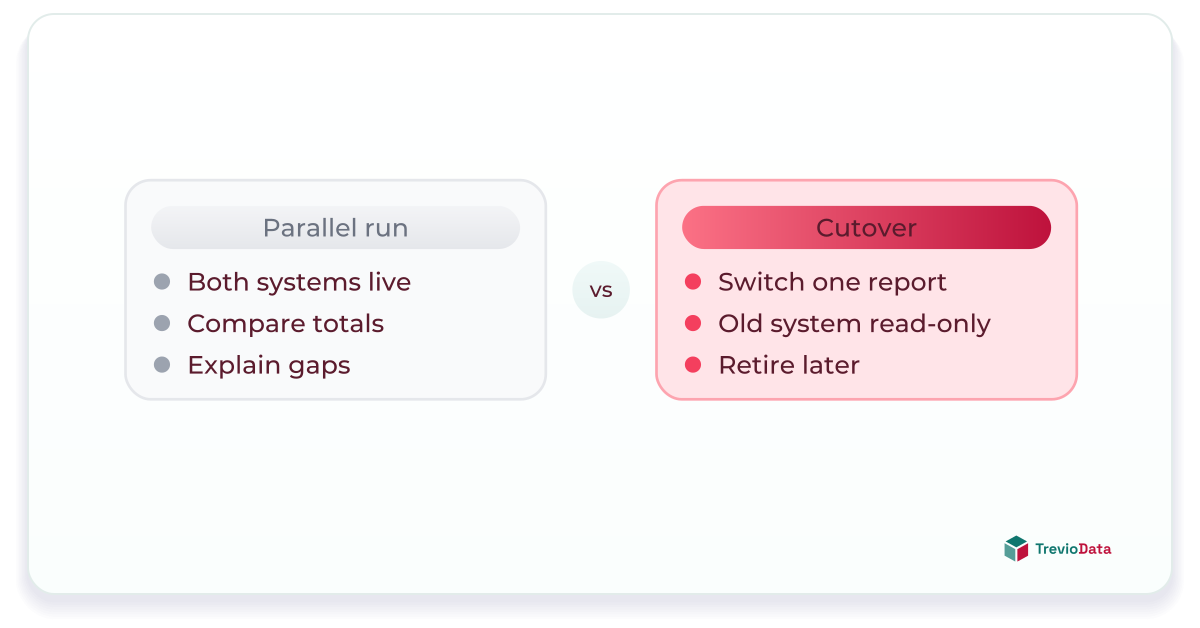
Run the old report and the new one side by side through at least one month-end. Compare the key numbers daily and write down each difference with its cause. Most differences turn out to be old bugs, which is a good moment to show the business what the new platform fixes.
Then switch reports one at a time, not all at once. Keep the old system read-only for a few weeks after the last switch, and use this checklist on cutover day:
- Key numbers match the old report, or every difference is explained and approved.
- Alerts are live and a named person is on call.
- Users know where the new report lives and who to ask.
- A rollback plan exists and was read by the owner.
- Costs for the first week were checked against the estimate.
A migration from an older warehouse follows the same pattern, with extra care for jobs that depend on each other. If a larger shift is on your roadmap, data modernization consulting covers the extra steps.
Step 8: Handover and Training
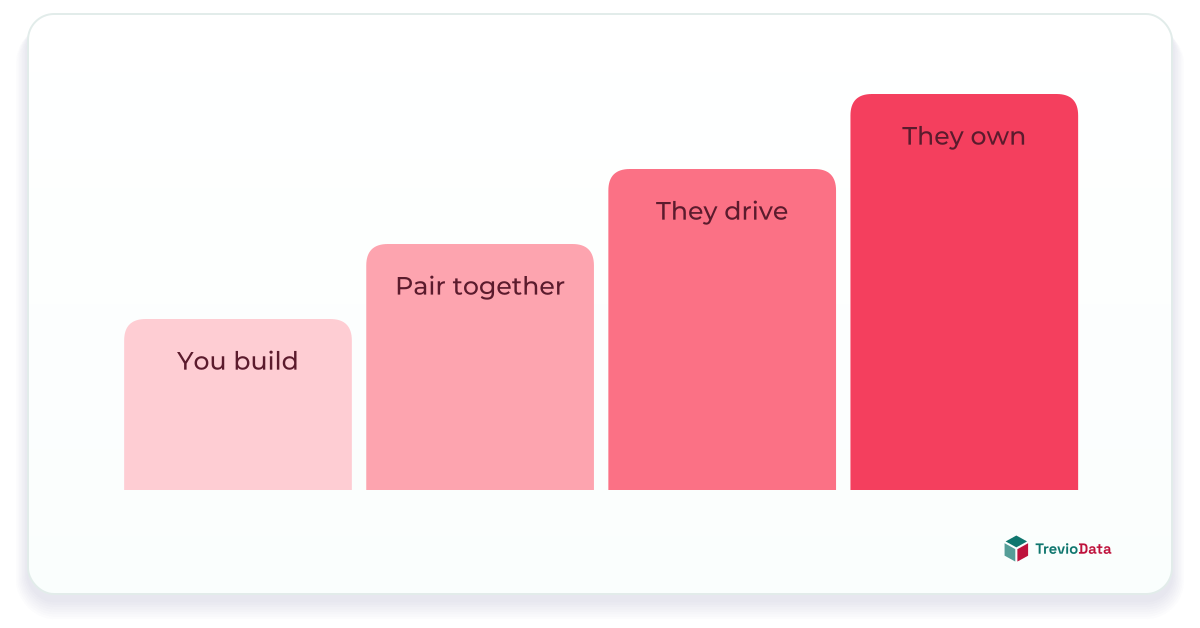
Teach the owners to run the platform without you. Walk through a failed load, a new source and a cost review, with the runbook in hand. Written steps matter more than slides, because people will use them at 7 a.m. when a report is late.
Close the project with a short report: what was built, what it costs per month, what the baseline was and what changed. Real teams have done this at very different scales, and my collection of data platform examples shows a few of them.
Who Does What During the Rollout
A small team finishes faster than a large one. In the rollouts I have run, five roles covered everything, and several of them were part-time.
| Role | Main job | Time needed |
|---|---|---|
| Platform owner | Sets priorities, signs off on definitions, watches the budget | Several hours a week |
| Data engineer | Builds loads, models and tests | Full time on the first slice |
| Domain analyst | Checks numbers against the old report and explains differences | A day or two a week |
| Security contact | Reviews access, masking and logging | A few hours per step |
| Business sponsor | Clears blockers and says no to scope growth | A short weekly check-in |
Hold a fifteen-minute standup three times a week and a one-hour demo every two weeks. The demo matters most, because users see real data early and correct misunderstandings while they are still cheap to fix.
Mistakes I See at Cutover
The technical work usually goes well. Cutover goes wrong for human reasons, and three patterns repeat.
First, nobody told the quiet users. A finance analyst who pulls one table into a private spreadsheet every Friday finds out on Friday that the table moved. List every consumer of the old system before cutover, including the unofficial ones, by checking query logs for the last ninety days.
Second, the old system was switched off on the project plan date instead of on the result. If the second month-end has not passed cleanly, leave it read-only and accept the extra license cost for another month. That is cheaper than an emergency rollback.
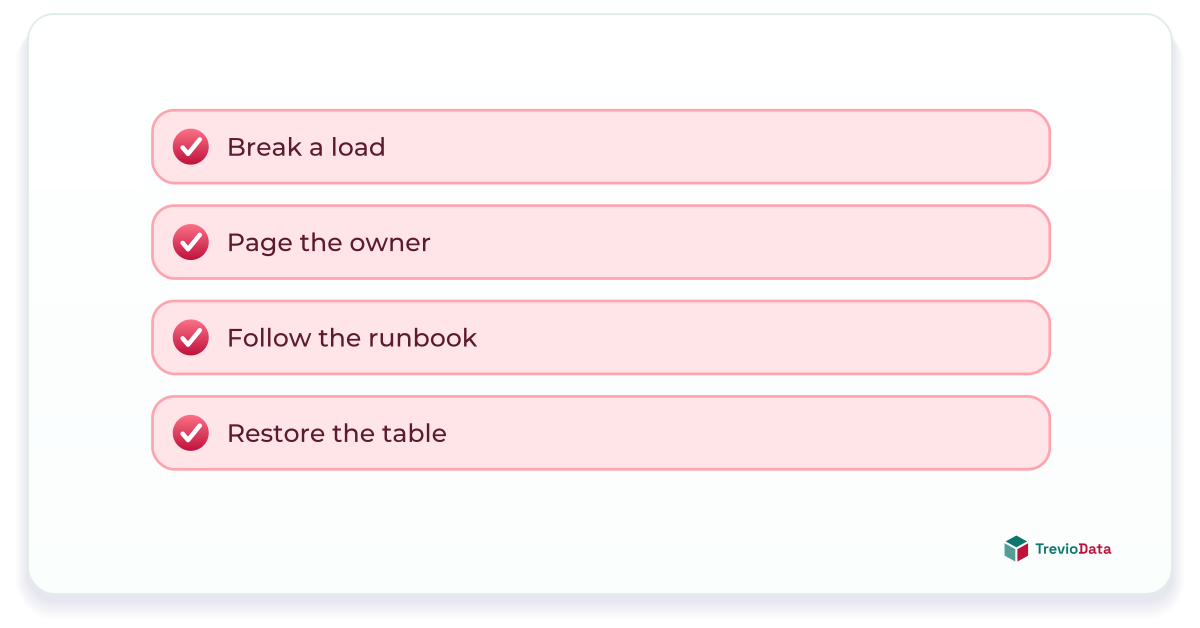
Third, nobody practiced the failure. Before go-live, break a load on purpose in the development area and let the on-call person follow the runbook. If they cannot fix it in twenty minutes, the runbook needs work.
The Delays to Plan For
| Delay | Why it happens | What to do |
|---|---|---|
| Slow source access | Security reviews, vendor tickets, contracts | Request access in week one and keep a fallback file export |
| Disputed definitions | Teams calculate the same metric differently | Put sales and finance in one room with a sponsor |
| Dirty source data | Duplicates, missing keys, inconsistent formats | Add cleaning rules and tests in the staging layer |
| Cost surprises | Always-on compute, heavy queries, large reloads | Set budgets and auto-suspend before loading data |
| Too-early shutdown | Pressure to retire the old system | Keep it read-only until the second month-end passes |
Cost is the one that people underestimate most. If you want a view of which line items grow, my guide to data platform cost breaks them down.
How to Know You Are Ready to Start
Before you kick off the rollout, make sure you have the following in place:
- A named owner and a business sponsor.
- A first report chosen, with a baseline for the hours it takes today.
- A platform decision backed by a proof of concept on your own data.
- Access requests for the first sources already sent.
If one of these is missing, fix it first. A week of preparation saves a month during the build.
Questions About Data Platform Implementation
How Long Does a Data Platform Implementation Take?
A first slice with two or three sources usually takes six to twelve weeks. A full rollout with many sources, governance and self-service takes six to twelve months. The biggest variable is access to source systems, so ask for credentials in week one.
What Should We Build First?
Build one report that people already request and that someone currently assembles by hand. It exercises every layer of the platform, and the hours saved give you a number to show. Leave experimental use cases for later.
Do We Need Separate Dev, Test and Production Environments?
Yes, even for a small team. At minimum you need a development area and a production area, with code promoted through version control. Skipping this is how a model edit on Friday breaks the Monday report.
How Do We Migrate from an Old Warehouse Without Breaking Reports?
Run old and new side by side for at least one full business cycle, usually a month-end close. Compare key tables daily, explain every difference and switch reports one at a time. Keep the old system read-only for a few weeks after the last switch.
Who Should Be on the Implementation Team?
A platform owner, one or two data engineers, an analyst from the first business domain and a security contact. A sponsor from the business joins a short weekly check-in. Larger teams tend to slow the first slice down.
How Do We Handle Security and Privacy During Rollout?
Classify sensitive columns before loading, apply role-based access from the first day and log who queries what. For health or financial data, get your security team’s review before the first load, not after. This article is general information and not legal advice, so confirm requirements with your own advisers.
What Usually Goes Wrong?
Late access to source systems, unclear ownership of definitions, no testing and an old system switched off too early. Each one is avoidable with a plan that names owners and a cutover checklist.
Note: This article is general information, not legal, financial or tax advice. Figures and examples are estimates based on typical projects, so check current details with your providers and advisers before you decide.
Was this article helpful?
Thank you for letting us know.
Camille leads the Trevio editorial team and works with our consultants to turn real client projects into practical guides on data strategy, engineering and governance. Before joining Trevio, she spent 11 years in data engineering and analytics roles. She has since edited more than 300 articles on data management and reviewed pipelines and platforms from over 100 client projects. She is based in Denver, Colorado.